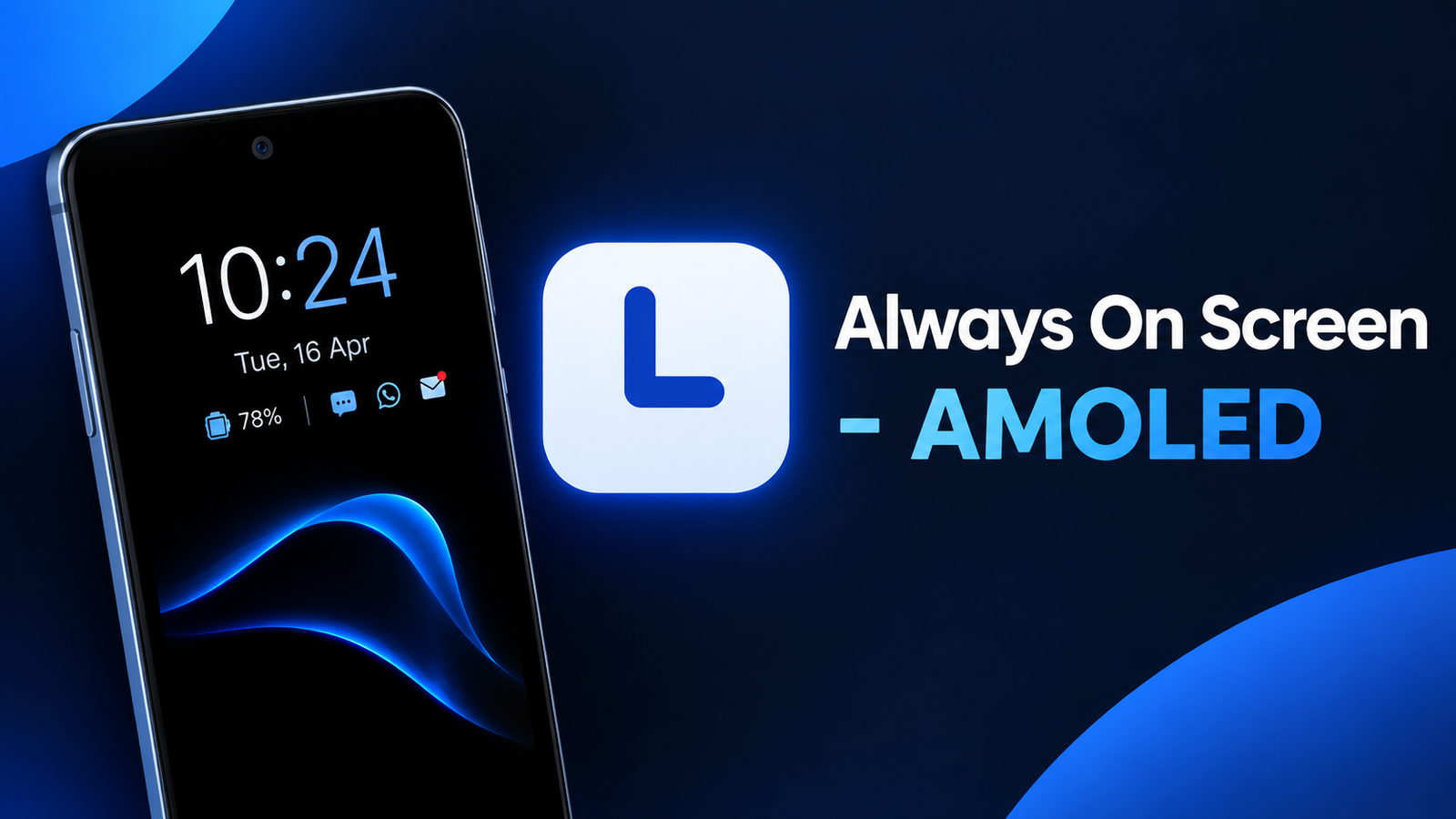
Checking the time, date, battery level or notifications usually means waking up your phone screen. For users who want this information available at a glance, Always On Screen – AMOLED brings an always-on display experience to compatible Android devices.
The app is designed to show useful information while the screen is otherwise inactive. Along with basic clock information, it offers several customization options, widgets, notification styles and display modes.
Also read: WallFancy Review: Give Your Phone a Fresh Look With 4K Live Wallpapers
What Is Always On Screen – AMOLED?
Always On Screen – AMOLED is an Android customization app that adds an always-on display feature to devices. Once configured, users can view information such as the current time, date, battery percentage and notifications without repeatedly unlocking or fully waking the phone.
The app is particularly suited to smartphones with AMOLED displays, where individual pixels can turn off when displaying black areas. However, the actual battery impact can vary depending on the phone, display settings and how the feature is configured.
Multiple Clock Styles to Choose From
One of the main attractions of the app is its collection of clock styles. Users can choose between different designs rather than being limited to a single always-on display layout.
Available options include:
- Digital clocks
- Analog clocks
- Image-based clocks
- Animated clock designs
This makes it easier to create an always-on screen that matches your personal style.
Customize the Display With Widgets
The app goes beyond displaying just the time. It supports rearrangeable widgets that can provide additional information directly on the always-on screen.
Supported widgets include:
- Music controls
- Weather information
- Next alarm
- Today’s schedule
Being able to rearrange these elements gives users more control over what appears on the screen and where it is positioned.
Wave and Lift Display Modes
Always On Screen – AMOLED includes display modes such as Wave to Show and Lift to Show. These options are designed to make the always-on display appear when you interact with or move your phone.
This can be useful for users who don’t want the display running continuously but still want quick access to important information when checking their device.
Personalize Colors, Fonts and Orientation
Customization is a major part of the app. Users can change the appearance of their always-on display using custom colors and gradient colors.
The app also provides customizable fonts, allowing users to change the visual style of the information displayed on the screen.
Other options include screen orientation and dark mode support, giving users additional control over how the feature looks and behaves.
Notifications at a Glance
Another useful feature is its notification display. The app can show detailed notifications along with colored notification indicators and unread count badges.
This can help users quickly determine whether they have pending notifications without immediately opening their phone.
For people who receive frequent messages and alerts, having notification information visible at a glance can make the always-on display more practical.
Battery and Burn-In Protection
An always-on display can raise concerns about battery consumption and screen burn-in. Always On Screen – AMOLED includes a screen timeout option intended to reduce unnecessary battery usage.
It also offers enhanced burn-in protection, which is particularly relevant for AMOLED displays because static elements displayed in the same position for long periods can contribute to image retention or burn-in over time.
The app claims minimal battery consumption, although actual usage will depend on the smartphone and selected settings.
Fingerprint Unlock and Other Features
The app also supports fingerprint unlock, adding another option for accessing the device.
Other available features include:
- Screen timeout controls
- Dark mode
- Screen orientation settings
- Animated clocks
- Custom fonts and colors
- Notification badges
- Music controls
- Weather and schedule widgets
The combination of these features makes the app more than a simple clock replacement.
Is Always On Screen – AMOLED Worth Trying?
Always On Screen – AMOLED can be useful for Android users who want quick access to essential information without repeatedly turning on their phone’s main display. Its wide range of clock designs, widgets, notification options and customization tools gives users plenty of control over the appearance of the always-on screen.
The app is especially intended for AMOLED-equipped devices, so users should keep that compatibility point in mind. Battery consumption can also vary based on individual settings and device hardware.
Official Play Store App Link
FAQs
1. What does Always On Screen – AMOLED do?
It adds an always-on display that can show the time, date, battery percentage, notifications and other information.
2. Does the app support different clock styles?
Yes. It offers digital, analog, image-based and animated clock options.
3. Can I customize the always-on display?
Yes. You can customize colors, gradients, fonts, orientation and other display settings.
4. Does it show notifications?
Yes. The app supports detailed notifications, colored notification indicators and unread count badges.
5. Does Always On Screen – AMOLED work with every phone?
The app notes that it works best on devices with AMOLED screens. Compatibility and performance can vary by device.
6. Can I show weather or music controls?
Yes. The app provides widgets for features such as music controls, weather, the next alarm and today’s schedule.
7. Does the app have battery-saving options?
Yes. It includes a screen timeout feature and display modes such as Wave to Show and Lift to Show, which can help limit unnecessary screen activity.