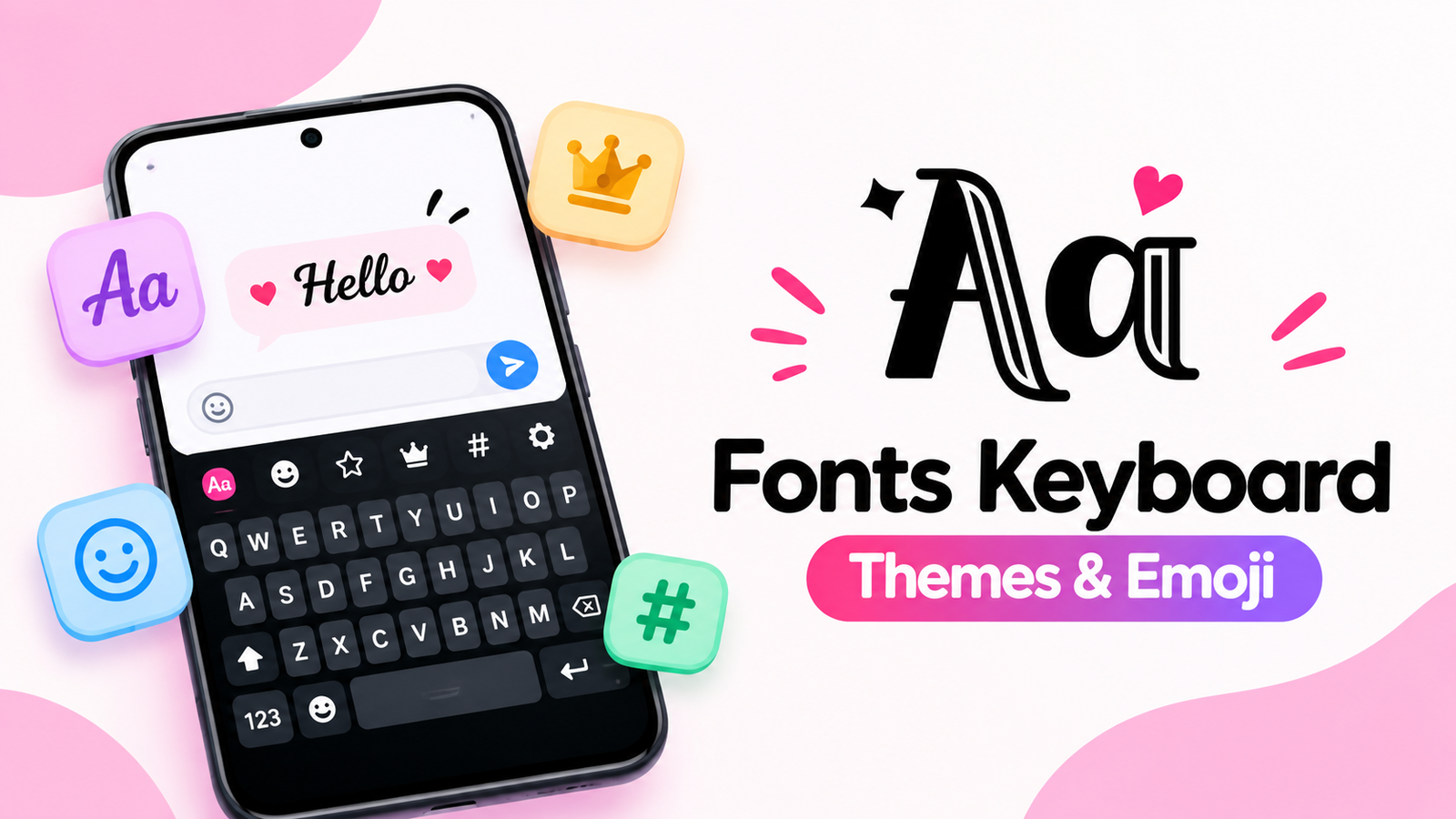
If you enjoy giving your messages and social media profiles a personal touch, a regular keyboard can sometimes feel a little boring. Fonts Keyboard is designed for Android users who want to make their text look more creative without needing to root their device.
The app offers a collection of stylish fonts, symbols, emojis and kaomoji that can be used across popular social and messaging platforms. Whether you want a different-looking Instagram bio or a fun way to write messages, Fonts Keyboard provides several options to experiment with.
Also read: Licowa – Photobooth & Wallpaper: AI Editing, Live Wallpapers and More on Android
What Is Fonts Keyboard?
Fonts Keyboard is an Android keyboard app focused on text customization. It provides access to more than 100 fonts and different decorative elements that can be used while chatting, posting content or creating social media profiles.
One useful aspect is that the app doesn’t require root access. Once set up, users can type using different text styles and use them in supported apps.
The app’s description mentions compatibility with platforms such as Instagram, TikTok, WhatsApp, Snapchat and Discord.
100+ Stylish Fonts and Text Styles
The biggest attraction of Fonts Keyboard is its font collection. Instead of using the same standard text style everywhere, users can choose from various decorative and fancy fonts.
These options can be useful for:
- Instagram and TikTok bios
- Social media usernames and nicknames
- Captions and post descriptions
- Online chats
- Stories
- Tweets
- Personal diary entries
The variety also makes the keyboard suitable for different moods and personal styles, whether you prefer something cute, romantic, chill or more decorative.
Symbols, Emojis and Kaomoji
Fonts aren’t the only customization options available. The app also includes cool symbols, emojis and kaomoji.
Kaomoji can be particularly useful when you want to express an emotion or reaction through text. Instead of relying only on standard emojis, users can explore different combinations and styles to make their messages more expressive.
Having these elements available directly through the keyboard can also save time compared with searching for special characters elsewhere.
Use Fonts Directly in Social Apps
Fonts Keyboard is designed to work directly with several popular apps. According to its Play Store description, users can type customized text into platforms including Instagram, TikTok, WhatsApp, Snapchat and Discord.
This can be useful when creating a social media bio, writing a caption or sending a message. The recipient doesn’t need to install Fonts Keyboard just to see the styled text, according to the app description.
However, the exact appearance of certain fonts or symbols can depend on the platform and device being used.
Works Without Root
Another advantage mentioned by the developer is that Fonts Keyboard doesn’t require root access. This makes it more accessible for regular Android users who don’t want to modify their device’s system software.
The app also lists support for a wide range of Android brands, including Google Pixel, Samsung, OnePlus, Xiaomi, Redmi, Realme, OPPO, vivo, Huawei, Tecno and Infinix.
Actual compatibility can still vary depending on the specific device and Android version.
Who Should Try Fonts Keyboard?
Fonts Keyboard can be useful for people who frequently create content or communicate through social platforms and want more variety in their text.
It may be especially interesting for:
- Social media users
- People who like customized bios
- Content creators
- Users who enjoy decorative text
- Anyone looking for more symbols and kaomoji
If you mostly use your keyboard for basic typing and don’t care about text customization, many of its extra features may not be necessary.
Official Play Store App Link
Final Thoughts
Fonts Keyboard is a straightforward Android customization tool for users who want to make everyday text more expressive. With 100+ fonts, symbols, emojis and kaomoji, it provides plenty of options for creating unique-looking messages and social media content.
Its support for popular platforms and no-root requirement also makes it convenient for everyday Android users. If personalized text is important to you, Fonts Keyboard is worth exploring for its collection of creative typing options.
FAQs
1. What is Fonts Keyboard used for?
Fonts Keyboard lets Android users type using stylish fonts, symbols, emojis and kaomoji.
2. Does Fonts Keyboard require root access?
No. The app description states that it works without root access.
3. Can I use Fonts Keyboard on Instagram and TikTok?
Yes. The app is designed to let users enter styled text into apps such as Instagram and TikTok.
4. How many fonts does Fonts Keyboard offer?
The app advertises more than 100 stylish fonts and text styles.
5. Does the app include kaomoji?
Yes. Fonts Keyboard includes cute kaomoji along with emojis and symbols.
6. Which Android phones support Fonts Keyboard?
The app lists brands including Samsung, Google Pixel, OnePlus, Xiaomi, Redmi, Realme, OPPO, vivo, Huawei, Tecno and Infinix.
7. Do other people need Fonts Keyboard to see my text?
According to the app description, people can see the styled fonts without installing Fonts Keyboard.
Available next action: Create a downloadable DOCX file here in this chat containing the editable prose above