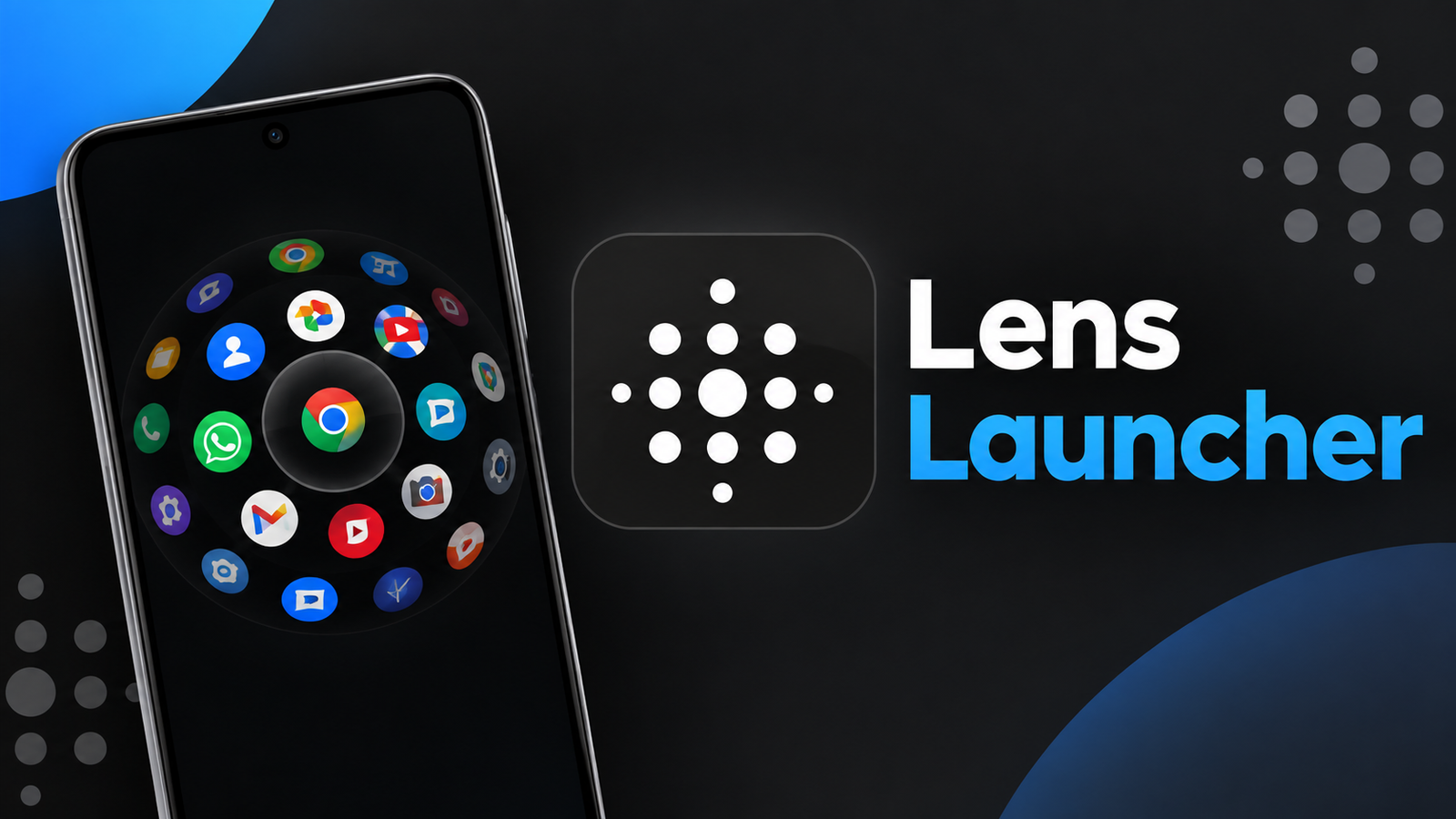
Finding an app can become frustrating when your phone has dozens or even hundreds of apps installed. Traditional launchers often require scrolling through pages or searching through long lists. Lens Launcher takes a different approach by putting all your apps into a single interactive interface.
Instead of relying on multiple home-screen pages, the launcher combines an equispaced grid with a graphical fisheye lens effect. This creates a visually different way to browse through installed apps using touch gestures.
Also read: Fonts Keyboard Review: Add Stylish Fonts, Symbols and Emojis to Your Chats
What Is Lens Launcher?
Lens Launcher is an Android app launcher designed to make browsing and opening apps faster and more interactive. Its main idea is simple: display all installed apps together rather than spreading them across multiple pages.
The launcher uses two core features to achieve this:
- Equispaced Grid for displaying all apps
- Graphical Fisheye Lens for zooming, panning and selecting apps
This approach makes Lens Launcher quite different from conventional Android launchers.
Equispaced Grid Shows All Your Apps
One of the most interesting parts of Lens Launcher is its equispaced grid. The grid is designed to display all of your applications regardless of your phone’s screen size or the number of apps installed.
Instead of moving through separate pages, you can view your app collection within one space. This can make the launcher feel more compact and unusual compared with standard app drawers.
The grid-based layout is particularly interesting for users who like experimenting with alternative ways to organize and access applications.
How the Fisheye Lens Works
The second major feature is the Graphical Fisheye Lens. When you interact with the launcher, the lens effect enlarges the area around your touch point while keeping other apps visible in the surrounding space.
This allows you to zoom and pan around the app grid and select the application you want to launch.
The concept is somewhat similar to a magnifying effect, but it is integrated directly into the launcher interface. Instead of opening a separate menu, the graphical effect helps you navigate the entire collection of apps.
Touch Gestures Make Navigation Different
Lens Launcher relies heavily on touch interaction. Users can move around the grid, zoom into specific areas and launch apps through gestures.
This makes the launcher feel more interactive than simply swiping through pages.
However, because its navigation style is different from what most Android users are accustomed to, it may take a little time to become familiar with the interface.
Based on an Academic Concept
Lens Launcher isn’t simply built around a visual effect created for appearance. According to its Play Store description, the graphical fisheye lens algorithm is derived from methods proposed by Manojit Sarkar and Marc H. Brown in their 1993 paper, Graphical Fisheye Views.
This gives the project an interesting connection to research into graphical interfaces and information visualization.
Lens Launcher is also described as an Android Experiment, written by Nick Rout, with major contributions from Rish Bhardwaj.
Who Should Try Lens Launcher?
Lens Launcher could be interesting for Android users who want to try something different from conventional launchers.
It may appeal particularly to:
- Users with many installed apps
- People who enjoy experimental Android interfaces
- Users interested in gesture-based navigation
- Technology enthusiasts
- Anyone looking for an alternative app-launching experience
On the other hand, users who prefer a traditional app drawer with familiar lists and pages may need some time to adjust to its unique interface.
Final Thoughts
Lens Launcher offers a creative alternative to the traditional Android app drawer. Its combination of an equispaced grid and graphical fisheye lens provides a distinctive way to browse and launch applications.
Rather than focusing on conventional pages and lists, the launcher puts the entire app collection into an interactive space that can be explored using touch gestures.
For users who enjoy experimenting with Android interfaces, Lens Launcher provides an interesting concept worth exploring. Its research-inspired fisheye navigation also makes it more than just another visual customization tool.
Official Play Store App Link
FAQs
1. What is Lens Launcher?
Lens Launcher is an Android app launcher that provides an alternative way to browse and open installed applications.
2. How does Lens Launcher display apps?
It uses an equispaced grid designed to display all installed apps within a single interface.
3. What is the fisheye lens feature?
The graphical fisheye lens enlarges the area around your touch point, allowing you to zoom, pan and select apps.
4. Does Lens Launcher use gestures?
Yes. Touch gestures are an important part of browsing and launching apps through the launcher.
5. Is Lens Launcher a regular Android launcher?
It is an alternative launcher experience focused on experimental and interactive app navigation.
6. What is Graphical Fisheye Views?
It is a graphical interface concept described in a 1993 research paper by Manojit Sarkar and Marc H. Brown, which inspired the fisheye lens approach used by Lens Launcher.