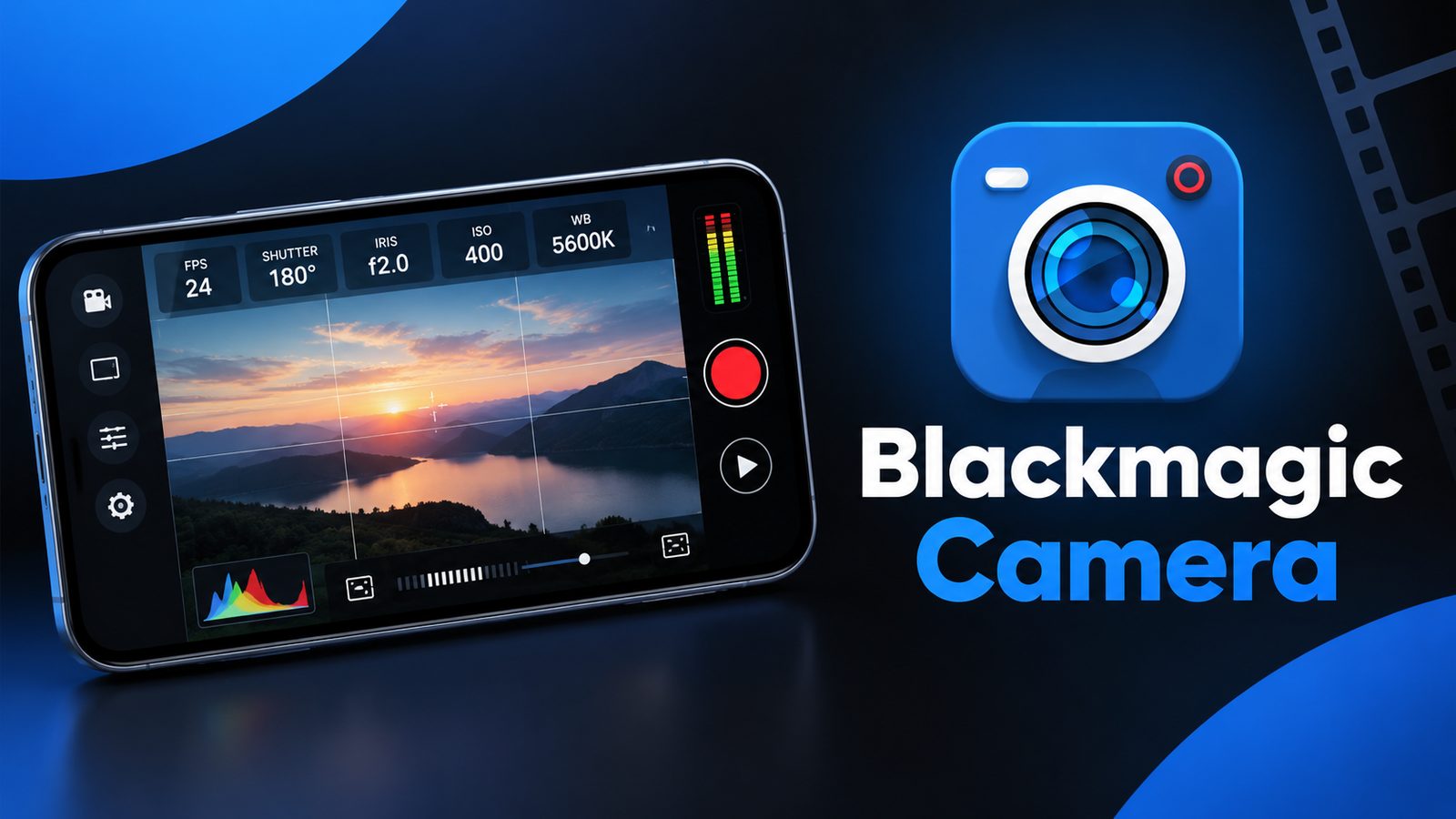
Smartphone cameras have become powerful enough for everything from everyday videos to more serious filmmaking. However, getting better results often depends not only on the camera hardware but also on how much control the camera app provides. Blackmagic Camera takes a more professional approach by bringing digital film camera controls and image-processing features to compatible phones.
Developed by Blackmagic Design, the app is designed for creators who want more control over video recording instead of relying entirely on automatic camera settings.
Also read: Lens Launcher Review: A Unique Way to Find and Open Android Apps
What Is Blackmagic Camera?
Blackmagic Camera is a mobile camera app that brings controls inspired by Blackmagic Design’s professional digital film cameras to smartphones.
The app provides direct access to several important recording settings, allowing users to adjust them according to the scene and their creative requirements.
Instead of searching through multiple menus, the app is designed around a camera-style interface where important settings can be accessed quickly.
Professional Camera Controls on Your Phone
One of the biggest highlights of Blackmagic Camera is the level of manual control it provides.
Users can adjust settings such as:
- Frame rate
- Shutter angle
- White balance
- ISO
These controls can be useful when shooting different types of scenes. For example, changing the frame rate can affect the look and motion of your footage, while white balance can help maintain more consistent colors under different lighting conditions.
ISO and shutter settings can also be adjusted depending on the available light and the desired appearance of the video.
A Familiar Interface for Video Creators
Blackmagic Camera is designed to provide an interface similar to the company’s professional digital film cameras. This can make the app particularly interesting for filmmakers, videographers and creators who are already familiar with manual camera controls.
The interface focuses on giving users direct access to important settings rather than keeping everything hidden behind automatic modes.
For someone moving from a basic smartphone camera app to a more advanced workflow, this approach can provide greater control over the recording process.
Record Directly to Blackmagic Cloud
Another major feature is integration with Blackmagic Cloud. The app allows users to record directly to Blackmagic Cloud using industry-standard file formats, with recording capabilities described as reaching up to 8K on supported devices.
This can be useful for professional or collaborative video projects where footage needs to be accessed by multiple people.
Instead of manually transferring large video files between devices, creators can use cloud-based workflows to make footage available for further production.
Collaboration With DaVinci Resolve
Blackmagic Camera also connects with DaVinci Resolve workflows. According to the app description, footage recorded to Blackmagic Cloud Storage can be used in DaVinci Resolve projects, allowing editors in different locations to collaborate.
This could be particularly useful for production teams where the person recording the footage and the editor are not working from the same location.
For independent creators, the cloud workflow can also provide a more organized way to move from recording to editing.
Who Is Blackmagic Camera For?
The app is mainly aimed at users who want more control over smartphone video recording.
It may be useful for:
- Filmmakers and videographers
- YouTube and social media creators
- Video enthusiasts
- Students learning filmmaking
- Creators working with DaVinci Resolve
- Users who prefer manual camera controls
Beginners can also explore the app, although its professional-style controls may require some time to understand properly.
Device Compatibility Matters
One important point to remember is that not every feature is available on every device. The app description specifically notes that some features are device-dependent.
This means the available recording options, resolutions and other capabilities can vary according to the smartphone being used. It’s worth checking device compatibility before relying on a specific feature for a project.
Final Thoughts
Blackmagic Camera brings a more professional video-recording experience to compatible smartphones. Its combination of manual camera controls, Blackmagic-style interface, Blackmagic Cloud integration and DaVinci Resolve workflows makes it an interesting option for creators who want more control over their footage.
Rather than being focused only on simple point-and-shoot recording, the app is designed for users who want to make deliberate decisions about settings such as ISO, frame rate, shutter angle and white balance.
For creators interested in a more advanced smartphone filmmaking workflow, Blackmagic Camera offers a feature-rich approach worth exploring.
Official Play Store App Link
FAQs
1. What is Blackmagic Camera used for?
Blackmagic Camera is a smartphone video-recording app that provides professional-style camera controls and recording features.
2. Can I change ISO and white balance?
Yes. The app provides controls for ISO and white balance, along with frame rate and shutter angle.
3. Does Blackmagic Camera support 8K recording?
The app description mentions recording up to 8K, but available resolution and other features depend on the device.
4. Does Blackmagic Camera support Blackmagic Cloud?
Yes. Compatible recordings can be sent directly to Blackmagic Cloud using supported industry-standard file formats.
5. Can I use Blackmagic Camera with DaVinci Resolve?
Yes. The app supports workflows involving Blackmagic Cloud Storage and DaVinci Resolve projects.
6. Does every phone support all Blackmagic Camera features?
No. Some features are device-dependent and may not be available on every compatible smartphone.