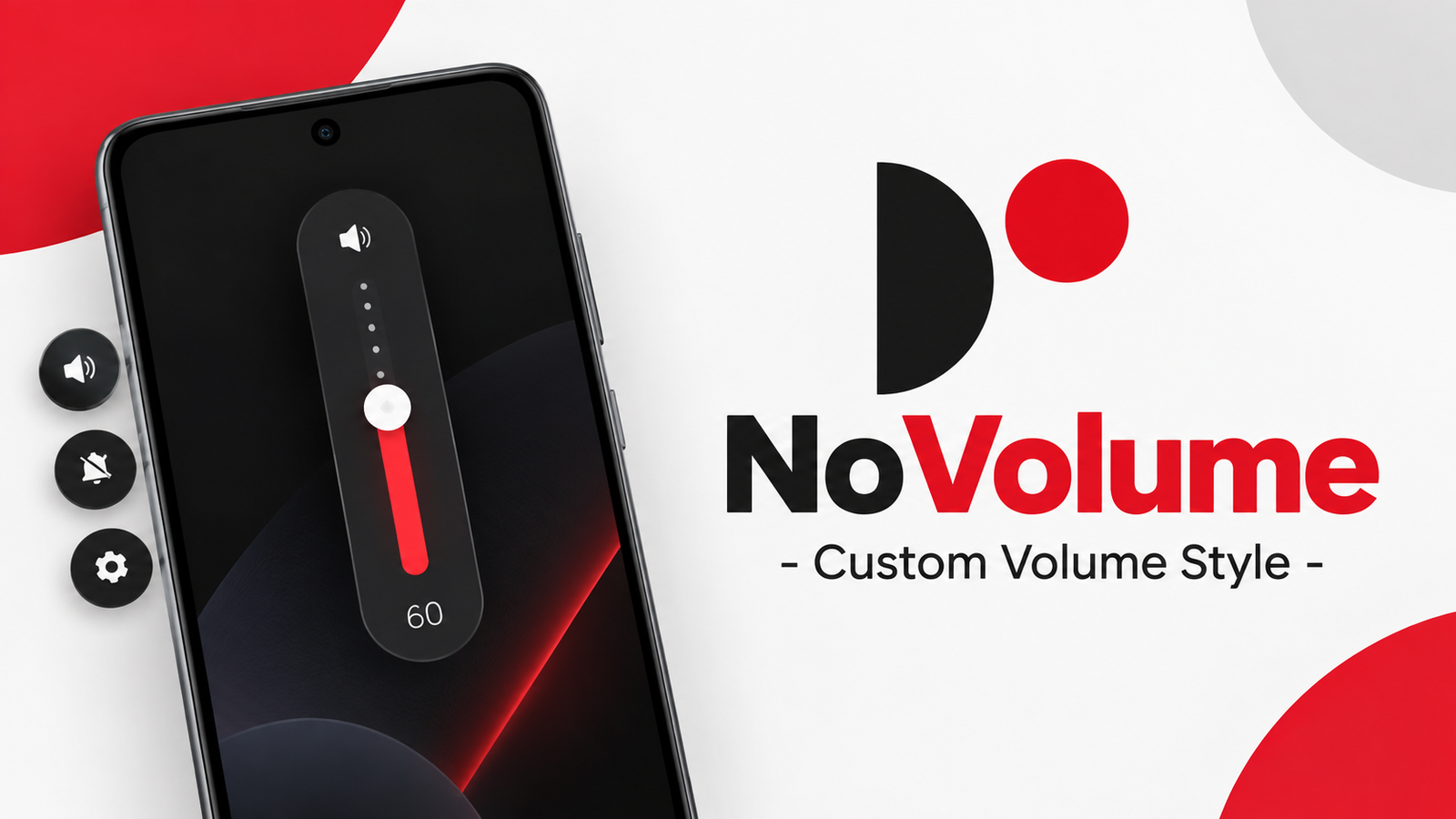
Android’s default volume panel works well for basic volume adjustments, but some users may want something more stylish and customizable. NoVolume – Custom Volume Style offers an alternative by replacing the standard volume interface with a custom slider inspired by Nothing OS.
The app focuses on appearance, touch controls and haptic feedback, giving users several ways to personalize how the volume control looks and feels.
Also read: Blackmagic Camera Review: Bring Professional Video Controls to Your Phone
What Is NoVolume?
NoVolume is an Android customization app that provides a custom on-screen volume slider. Its design is inspired by the visual style of Nothing OS and is particularly aimed at Nothing and CMF phones.
The app can display a custom volume control when you use the device’s volume buttons. Users can adjust its position, size, appearance and touch behavior according to their preferences.
However, the developer notes that the haptic experience depends heavily on the phone’s hardware.
Haptic Feedback for Volume Control
One of the key features of NoVolume is its haptic feedback. On supported devices, the slider can provide tactile feedback while adjusting the volume, creating a more physical feeling when moving through the volume levels.
The developer specifically mentions that Nothing and CMF devices with suitable HD haptic motors are the primary target for this feature.
Budget smartphones may have simpler vibration motors that don’t provide the same type of feedback. Because of these hardware differences, the haptic functionality may not work as intended on every phone.
Customize the Volume Slider
NoVolume provides several customization options even in its free version. Users can modify different parts of the slider to better match their device or personal preferences.
Available options include:
- Change the slider position and size
- Adjust touch control speed
- Change number size
- Adjust font weight
- Add shadows
- Exclude selected apps
- Customize other visual elements
The ability to change the position can be especially useful if you want the slider to line up more naturally with your phone’s physical buttons.
More Customization With Premium
Users who want deeper personalization can access additional features through the premium version.
Premium features include three haptic types and the ability to customize individual colors, including transparency. Users can change the appearance of numbers, shadows and other elements to create a more personalized volume panel.
Premium users can also share their presets with the NoVolume community without logging in. They can download presets created by other premium members as well.
Useful App Exclusion Feature
NoVolume also allows users to exclude certain applications from its custom volume controls. For example, the developer mentions apps such as the camera and phone app.
This can be useful when you want those applications to retain their normal volume or shutter-button behavior while using NoVolume elsewhere.
Volume Control Limitations
NoVolume doesn’t provide unlimited or ultra-precise volume adjustment. The developer explains that the app still uses the number of volume steps provided by Android and the device.
For example, if your phone has 16 volume levels, NoVolume doesn’t turn them into hundreds of separate levels. This is an Android system limitation rather than a feature the app can completely change.
There’s also a useful shortcut: holding the NoVolume slider opens the standard Android volume panel, where you can access controls for things such as notification and alarm volume or sound modes.
Accessibility Permission
NoVolume requires Accessibility Services permission to display its custom volume slider over the device interface and detect volume button presses.
According to the developer, this service is used for the app’s volume-control functionality and the app does not access personal data or collect information through the service.
Users should still review the permission details before enabling any accessibility-based application on their device.
Is NoVolume Worth Trying?
NoVolume is aimed at Android users who want a more customizable alternative to the standard volume panel. Its Nothing OS-inspired design, adjustable layout and haptic feedback can make volume control feel more personalized.
The biggest consideration is device compatibility, particularly for haptic feedback. Nothing and CMF phones are the primary focus, while the experience can differ considerably on other devices.
Official Play Store App Link
FAQs
1. What is NoVolume used for?
NoVolume replaces the standard Android volume interface with a customizable on-screen volume slider.
2. Does NoVolume work on all Android phones?
The app can behave differently depending on the device. Haptic feedback especially depends on the phone’s vibration hardware.
3. Is NoVolume inspired by Nothing OS?
Yes. Its custom volume slider is inspired by the visual style of Nothing OS.
4. What can I customize in NoVolume?
You can adjust the slider’s position, size, touch speed, number size, font weight and shadows, with additional customization available in premium.
5. Does NoVolume provide precise volume control?
No. It uses the volume steps provided by Android and your device.
6. Does NoVolume require Accessibility permission?
Yes. The permission is required to display the custom volume overlay and capture volume button presses.
7. Can I access the normal Android volume controls?
Yes. The developer says you can hold the NoVolume slider to open the default Android volume panel for additional controls.