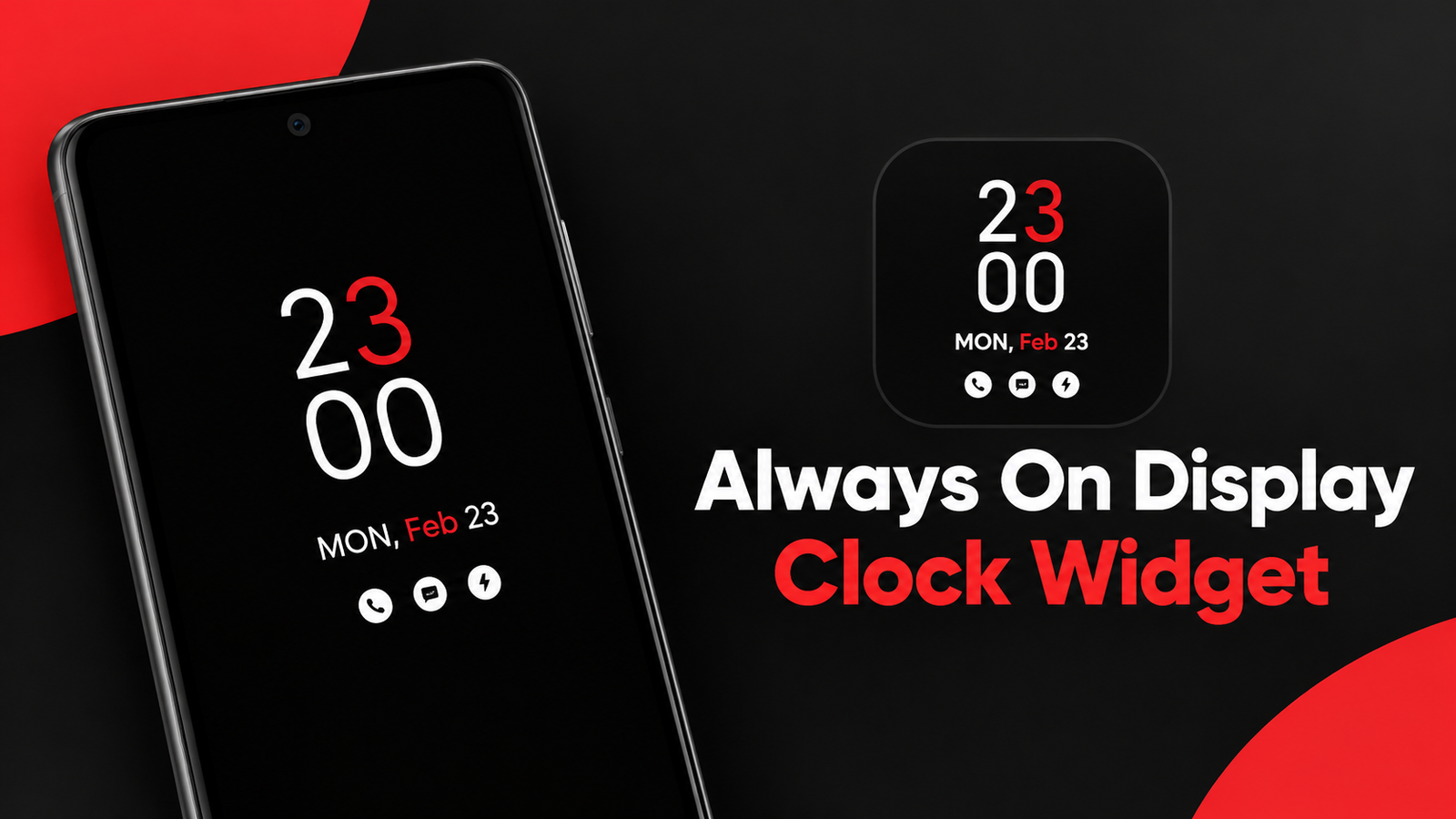
Checking the time usually means waking up your phone and looking at the lock screen. Always On Display Clock Widget offers a more convenient approach by keeping selected information visible on the screen, particularly on phones with AMOLED displays.
The app focuses on customizable clock styles and can display information such as the time, date, day, battery percentage and notifications. It also includes digital, analog, emoji, picture and calendar clock options.
Also read: NoVolume Review: Customize Your Android Volume Slider With a Nothing OS-Inspired Design
What Is Always On Display Clock Widget?
Always On Display Clock Widget is an Android customization app designed to show a clock and other useful information while the phone is not actively being used.
The app uses the always-on display capabilities of compatible AMOLED smartphones to keep a limited portion of the screen active. This means users can check basic information without repeatedly unlocking the device.
The exact experience and available functionality can vary depending on the smartphone and its display technology.
Choose From Different Clock Styles
One of the main highlights of the app is its collection of clock designs. Instead of using one fixed style, users can select a layout that matches their preference.
The available options include:
- Digital clocks
- Analog clocks
- Emoji clocks
- Picture clocks
- Calendar clocks
This variety makes the app useful for people who want to personalize their lock screen rather than simply display a standard clock.
Digital Clock Customization
The digital clock option is designed for users who prefer a clear and modern look. According to the app description, users can customize different aspects of the digital clock, including colors for text, digits and other clock elements.
This can help create a display that matches the overall appearance of the phone.
Analog and Emoji Clocks
If digital numbers aren’t your preferred style, the app also provides multiple analog clock faces. These designs can give the always-on display a more traditional watch-like appearance.
There is also an Emoji Clock feature with different emojis and stickers that can be placed on the lock screen. This provides a more playful option for users who want something different from conventional clock designs.
Picture and Calendar Clock
The picture clock feature allows users to combine a clock with a selected picture or live clock wallpaper. This can add a more personalized appearance to the always-on display.
The Calendar Clock option is aimed at users who want calendar information available alongside their clock. Having the date or calendar visible can be useful when checking the phone quickly during the day.
See Notifications and Battery Information
Along with the time, the app can display other basic information, including the date, day, battery percentage and notifications.
This can make the always-on display more useful than a simple clock. Instead of turning on the full screen just to check whether something has changed, users can glance at the available information directly.
The app also provides options to minimize or disable the display using gestures such as a tap, double tap or sliding action.
Edge Light for Extra Customization
Another feature included in the app is Edge Light. It allows users to add lighting effects around the edges of the smartphone display.
This can give the phone a more decorative appearance while complementing the selected clock design.
Battery Considerations
The app’s description states that its AMOLED-based display approach helps reduce battery usage by illuminating only the pixels required for the displayed content while other pixels remain off.
However, actual battery consumption can vary depending on the phone, display, brightness, refresh behavior and how the always-on display is configured. Users should consider their device’s specifications when using any continuous display feature.
Final Thoughts
Always On Display Clock Widget provides several ways to turn an AMOLED phone’s inactive screen into a useful information panel. With digital, analog, emoji, picture and calendar clocks, users have plenty of options to personalize the display.
Features such as notification information, battery percentage and Edge Light add more functionality beyond simply showing the time. If you enjoy customizing your lock screen and use a compatible AMOLED device, the app offers a variety of clock styles to explore.
Official Play Store App Link
FAQs
1. What is Always On Display Clock Widget?
It is an Android app that displays clocks and information such as the date, battery percentage and notifications on compatible devices.
2. Does the app support digital and analog clocks?
Yes. It includes both digital and analog clock designs along with emoji, picture and calendar options.
3. Can I customize the digital clock?
Yes. The app provides multiple customization options, including different colors for the clock elements.
4. Does it show notifications?
According to the app description, the display can show notification information along with the time and date.
5. Does Always On Display Clock Widget work best with AMOLED screens?
The app is designed around AMOLED always-on display functionality, so the experience may depend on the phone’s display and device support.
6. What is the Edge Light feature?
Edge Light adds customizable lighting effects around the edges of the smartphone display.
7. Can I turn off the always-on display quickly?
The app description mentions options such as tapping, double-tapping or sliding to minimize or disable the display.
1 thought on “Always On Display Clock Widget Review: Stylish Clocks for Your AMOLED Screen”