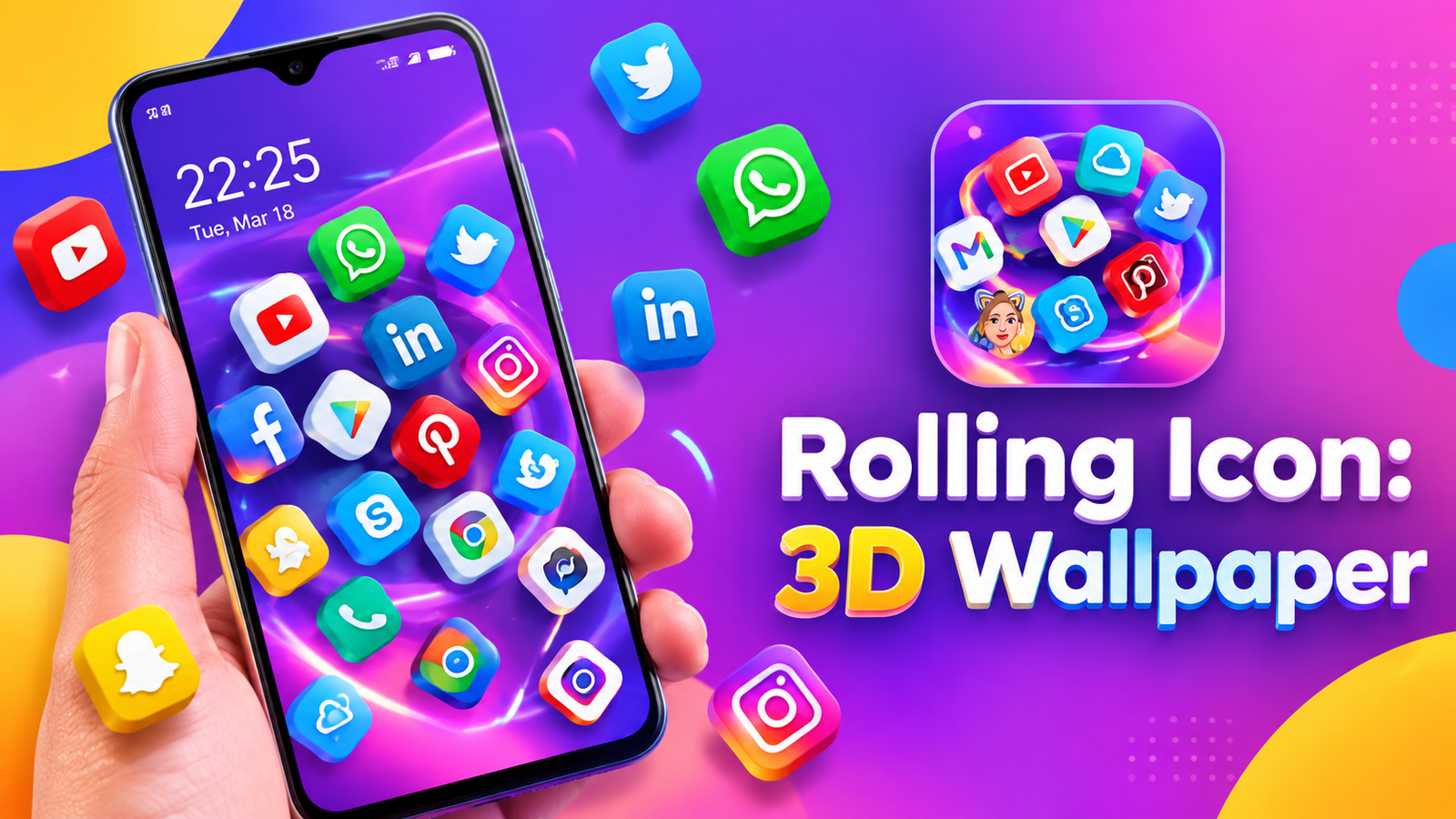
A static home screen can start feeling repetitive after a while. If you enjoy experimenting with Android customization, Rolling Icon: 3D Wallpaper offers a different approach by adding movement, physics effects and 3D elements to your phone.
Instead of changing only the wallpaper, the app lets users experiment with rolling and spinning app icons, animated backgrounds and an interactive 3D launcher. It is designed for people who want their home screen to feel more dynamic and playful.
Also read: WallZone: Live Wallpaper 4K Review – Give Your Phone a Dynamic New Look
What Is Rolling Icon: 3D Wallpaper?
Rolling Icon is an Android customization app that combines animated wallpapers with moving app icons and 3D effects.
The app allows users to create different home screen styles by combining features such as gravity effects, rolling icons, spinning animations and live wallpapers. This gives users more options than a traditional static wallpaper.
The experience is mainly focused on visual customization, so the available effects can be explored according to personal preference.
Rolling and Spinning App Icons
One of the main features is the ability to make app icons move around the screen. Instead of remaining fixed in their usual positions, icons can roll, fall or react to movement through gravity-style effects.
The app also includes Icon Spinning, which adds rotation and movement to app icons. These effects can be combined with animated backgrounds to create a more dynamic home screen.
For users who enjoy physics-based animations, this can be an interesting alternative to a standard launcher layout.
Customize Your App Icons
Rolling Icon also provides different icon styles to help users change the appearance of their apps.
The description mentions several design categories, including:
- Minimalist
- Pastel
- Cute
- Neon
- Dark
- Retro
- Futuristic
You can choose styles based on your wallpaper, mood or preferred aesthetic. After changing the icons, you can combine them with the app’s rolling and movement effects.
Explore the Icon Rubik 3D Launcher
Another interesting feature is Icon Rubik, a 3D launcher that arranges app icons on an interactive Rubik-style cube.
Instead of browsing apps through a conventional grid, users can rotate the cube and explore icons from different sides. This provides a visually different way to access apps while giving the home screen a distinctive 3D appearance.
It could appeal to users who enjoy experimental interfaces and want something different from a standard Android launcher.
3D and Live Wallpapers
The app also focuses on animated and 3D wallpapers. Users can choose moving backgrounds and combine them with rolling or spinning icons.
This makes it possible to create a home screen where both the background and app icons have movement. Different combinations can be tried depending on the look you want.
Whether you prefer a subtle animated background or a more playful setup with moving icons, the app provides several customization possibilities.
A Different Way to Personalize Android
Rolling Icon is aimed at users who want more than simply replacing their wallpaper. Its collection of motion effects, icon styles and 3D layouts allows users to experiment with the overall appearance of their home screen.
It can be useful for:
- Android customization enthusiasts
- Users who enjoy animated wallpapers
- People who like moving icons
- Fans of 3D interfaces
- Users looking for alternatives to traditional home screens
Final Thoughts
Rolling Icon: 3D Wallpaper takes Android customization in a more interactive direction. Its combination of rolling icons, spinning effects, gravity-style movement, customizable icons, 3D wallpapers and the Icon Rubik launcher gives users several ways to create a distinctive home screen.
Rather than focusing on just one customization feature, the app brings different visual effects together. If you enjoy experimenting with animated home screens and want something beyond a traditional static layout, Rolling Icon provides plenty of options to explore.
Official Play Store App
FAQs
1. What is Rolling Icon: 3D Wallpaper?
It is an Android customization app that offers moving icons, animated wallpapers, gravity effects and 3D home screen experiences.
2. Can app icons roll and spin?
Yes. The app includes rolling effects and an Icon Spinning feature for adding movement to app icons.
3. What is Icon Rubik?
Icon Rubik is a 3D launcher that arranges app icons on an interactive Rubik-style cube.
4. Can I change app icon styles?
Yes. The app offers different styles, including minimalist, pastel, cute, neon, dark, retro and futuristic designs.
5. Does Rolling Icon include live wallpapers?
Yes. The app includes 3D wallpapers, live wallpapers and animated backgrounds.
6. Is Rolling Icon a regular Android launcher?
It provides alternative launcher-style experiences, including the Icon Rubik 3D layout, rather than focusing only on a conventional app grid.
1 thought on “Rolling Icon: 3D Wallpaper Review – Add Motion and 3D Effects to Your Home Screen”