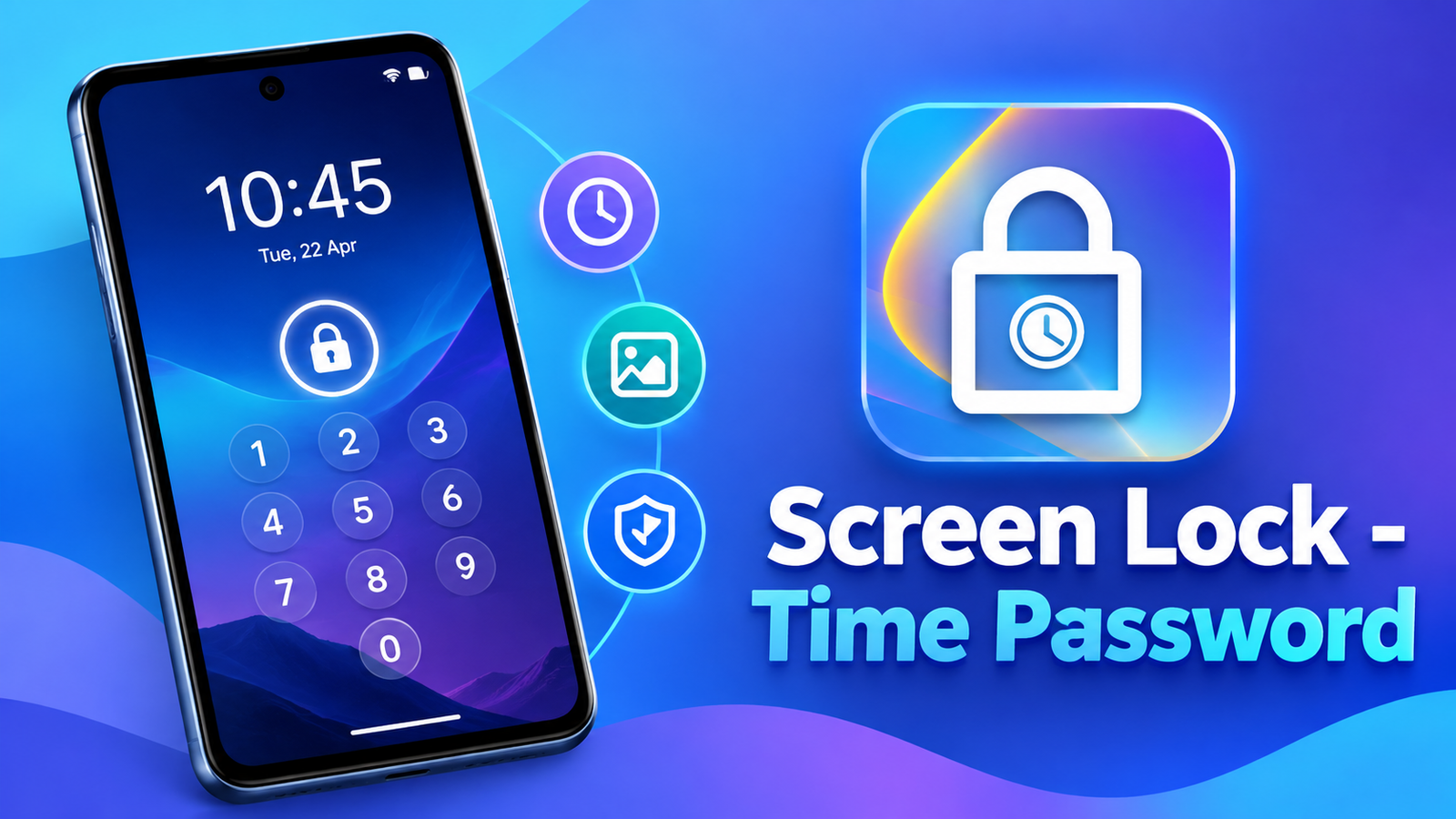
Keeping your smartphone secure is important, especially when you unlock it in public places where someone might see your PIN. Screen Lock – Time Password offers an alternative to a traditional fixed PIN by allowing users to create passwords based on the current time.
Along with dynamic password options, the app includes customizable lock screens, a private photo and video vault, and a private browser. Here’s a closer look at its features and what users should know before trying it.
Also read: JioSphere Browser Review: Privacy Features, Built-in VPN and Regional Language Support
What Is Screen Lock – Time Password?
Screen Lock – Time Password is an Android customization and security app designed to provide different ways to lock your phone. Instead of relying only on a permanent PIN, you can configure a passcode that changes according to the time or other selected details.
The app also offers an iPhone-style lock screen design, custom wallpapers, sliding text and visual effects, giving users options to personalize their device.
Key Features of Screen Lock – Time Password
1. Dynamic Time-Based Passwords
The main feature is its time-based PIN system. Your password can use the current time, making it different from a fixed passcode.
For example, if the displayed time is 01:47, the current-time password would be 0147.
The app also offers other combinations, including:
- Current Time: Uses the current hour and minute as the PIN.
- Fixed PIN: Lets you select your own password.
- PIN + Minute: Combines your chosen digits with the current minute.
- PIN + Current Time: Adds your selected digits to the current time.
- PIN + Day: Combines your PIN with date information.
- PIN + Hour: Uses your chosen digits alongside the current hour.
These options provide flexibility for users who want something different from a conventional PIN. However, time-based passwords should not automatically be considered more secure than strong, unpredictable credentials.
2. Customizable Lock Screen
Screen Lock – Time Password lets you personalize the appearance of your lock screen.
You can select an HD wallpaper provided by the app or choose an image from your gallery. Other customization options include sliding text, unlock sounds and vibration settings.
The app also supports 12-hour and 24-hour time formats. Its iPhone-style design and parallax effects may appeal to users who enjoy experimenting with their Android phone’s appearance.
3. Photo and Video Vault
The app includes a vault feature intended to hide or protect personal photos and videos.
This can be useful if you want to keep selected media separate from your regular gallery. However, the developer warns users not to uninstall the app before restoring their personal files, as doing so could result in losing them.
Important: Back up important photos and videos before relying on an app-based vault for storage.
4. Private Browser
Another included feature is a private browser designed to avoid retaining ordinary browsing history on the device.
It may be useful when you want to browse without leaving a local history record. However, private browsing does not guarantee complete anonymity or prevent websites and network providers from seeing all online activity.
Compatibility and Permissions
The developer states that the app supports most Android phones. Some devices, particularly Xiaomi and Redmi models, may require additional permission settings or permission to start automatically.
The app’s description also lists permissions related to displaying the lock screen, starting after a device restarts, accessing wallpapers and supporting advertising.
Before granting permissions, review why each one is needed and whether you are comfortable with the requested access. Compatibility and behavior can vary across Android versions and manufacturers.
Is Screen Lock – Time Password Worth Trying?
Screen Lock – Time Password combines dynamic PIN options with lock screen customization and additional privacy tools. Its time-based passwords may appeal to users who want an alternative to a fixed PIN, while wallpaper settings and sliding text provide a more personal look.
However, users should carefully evaluate its security before relying on it as their primary protection. The app’s description alone does not establish that it is safer than Android’s built-in screen lock. For sensitive information, use a strong device lock and keep important files backed up.
Final Verdict
Screen Lock – Time Password offers several features in one app, including time-based passcodes, customizable wallpapers, a photo and video vault, and private browsing. It may interest Android users who want to experiment with different lock screen styles and password formats.
Before installing it, consider its permissions, device compatibility and the importance of backing up files stored in its vault. For the strongest baseline protection, keep your phone’s built-in security features enabled and use a secure PIN or supported biometric unlock method.
Screen Lock – Time Password – Play Store App
FAQs
1. What is Screen Lock – Time Password?
It is an Android app that offers time-based PIN options, customizable lock screens, a media vault and private browsing.
2. How does the time password work?
The app can use the current hour and minute as a PIN. For example, 01:47 becomes 0147.
3. Can I use a fixed PIN instead?
Yes. The app description lists a fixed PIN option alongside several dynamic password formats.
4. Can I customize the lock screen wallpaper?
Yes. You can select an HD wallpaper or choose an image from your phone’s gallery.
5. Does the app include a photo vault?
Yes. It offers a feature intended to hide or protect photos and videos. Back up important files before using it.
6. Is the private browser completely anonymous?
No. Private browsing may limit local history storage, but it does not guarantee anonymity from websites or network providers.
7. Is a time-based PIN always more secure than a regular PIN?
No. Security depends on the password design and implementation. A time-based PIN can follow predictable patterns, so it should not automatically be considered more secure than a strong, unpredictable passcode.
1 thought on “Screen Lock – Time Password Review: Unlock Your Phone With a Dynamic PIN”