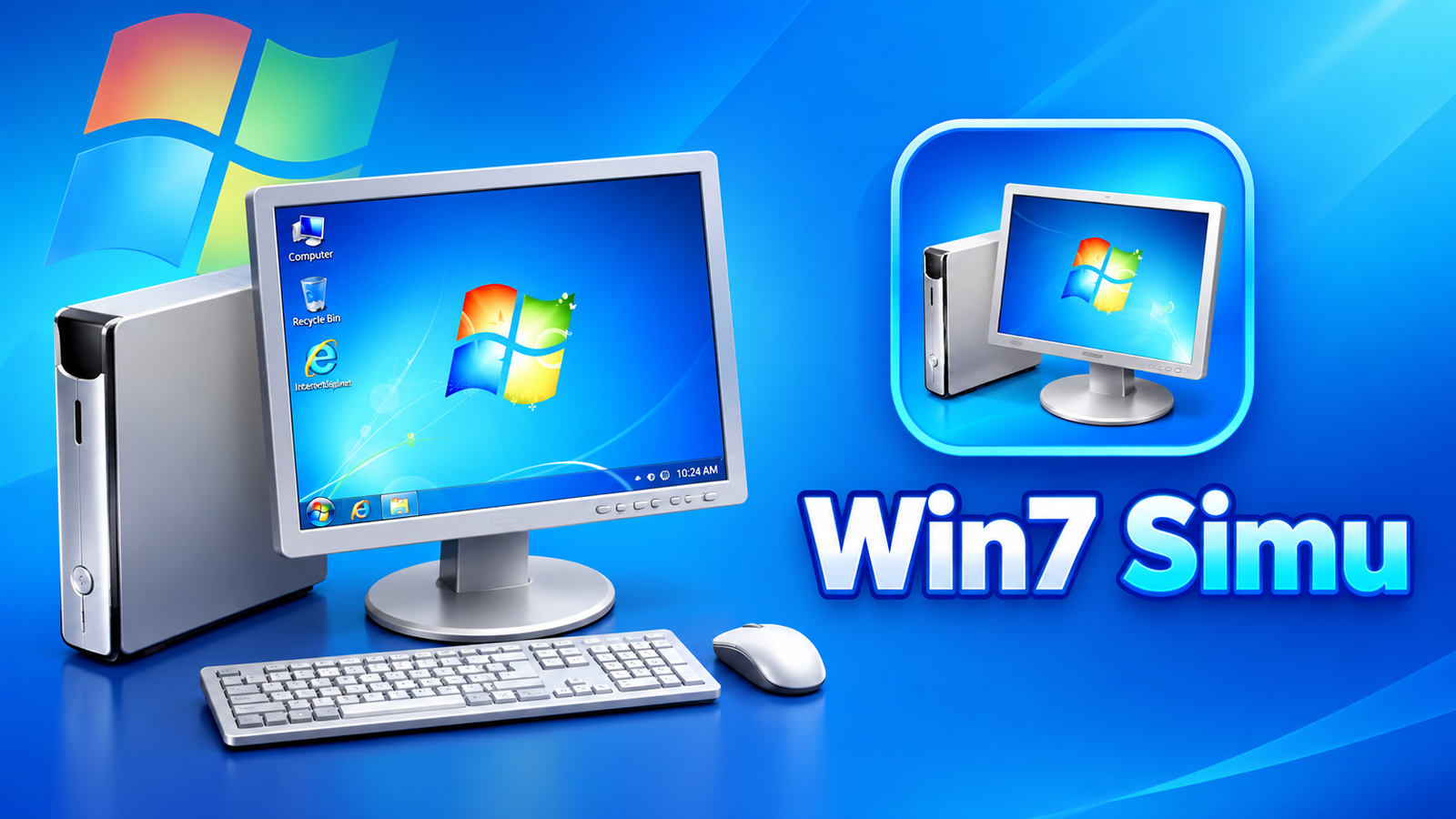
Remember the classic Windows desktop with its familiar Start menu, taskbar, desktop icons and distinctive boot animation? If you enjoy the look of older Windows operating systems, Win7 Simu brings that nostalgic experience to your smartphone through an interactive simulation.
Rather than offering a traditional mobile game, this app recreates the appearance and selected functionality of classic Windows interfaces. It lets users explore simulated desktop environments, try familiar programs and personalize the interface with different themes.
Also read: Screen Lock – Time Password Review: Unlock Your Phone With a Dynamic PIN
What Is Win7 Simu?
Win7 Simu is an interactive simulator inspired by classic Windows operating systems. Designed for touchscreens, it recreates important elements of the desktop experience, including the login screen, taskbar, Start menu and desktop interface.
The app is particularly interesting for people who grew up using older Windows computers or those curious about how traditional desktop interfaces look and work.
It is important to note that Win7 Simu is a simulation, not a full Windows operating system. Its programs run within the simulated environment rather than providing the complete functionality of their desktop counterparts.
Key Features of Win7 Simu
1. A Nostalgic Windows Desktop
The main attraction of Win7 Simu is its Windows-inspired interface. From the boot animation to the desktop, the simulator recreates several familiar elements of the classic Windows experience.
You can explore features such as:
- A simulated boot animation and login screen
- A desktop with familiar visual elements
- The Start menu and taskbar
- Interactive interface components
- Touch-friendly controls for smartphone use
These details make the app enjoyable for users who appreciate classic computer design.
2. Simulated Classic Windows Programs
Win7 Simu includes several simulated programs inspired by familiar Windows utilities. These provide interactive experiences within the app.
The available programs listed in its description include:
- Calculator: Try a familiar calculator interface for basic calculations.
- Notepad: Explore a simulated text-editing environment.
- WordPad: Experience a classic word-processing interface.
- Internet Explorer: Check out the appearance of the traditional Windows browser.
- Media Player: Explore a simulated media player interface.
- Snipping Tool: Discover a recreation of the familiar screenshot utility.
Although these programs offer interactive functionality, they should not be confused with the original Windows applications or assumed to support every feature available on a PC.
3. Multiple Windows Themes
Win7 Simu goes beyond Windows 7 by offering themes inspired by other Windows versions.
According to its description, you can explore designs based on Windows 2000, Windows Vista, Windows 10 and Windows 11, among others.
This variety allows users to switch between different interface styles and discover how Windows evolved visually over the years.
4. Create Your Own Look With Theme Studio
If the included themes don’t match your preferences, Win7 Simu also features a Theme Studio.
This customization option lets users create their own visual styles for the simulated environment. It adds another layer of personalization for people who enjoy changing desktop appearances and experimenting with different designs.
5. Designed for Touchscreens
Since the simulator runs on a mobile device, it supports touch interaction. Users can explore its desktop elements and simulated programs directly on their phone screen.
This makes it possible to experience a desktop-inspired interface without needing a computer, although the overall experience naturally differs from using a mouse and keyboard.
Who Should Try Win7 Simu?
Win7 Simu may appeal to several types of users:
- People who miss the classic Windows 7 interface
- Users interested in retro computer designs
- Anyone curious about older Windows desktop environments
- Customization enthusiasts who enjoy exploring different themes
- Users looking for an interactive simulator rather than a conventional game
Its strongest appeal is nostalgia and exploration, rather than replacing a computer or providing a complete desktop operating system.
Final Verdict
Win7 Simu offers an enjoyable way to revisit the appearance of classic Windows interfaces on an Android device. Its simulated desktop, familiar programs, multiple themes and Theme Studio provide plenty of elements for users to explore.
Whether you want to revisit the Windows 7 look or compare it with designs inspired by other Windows versions, the app provides a convenient touchscreen experience.
Keep in mind that Win7 Simu is an independent fan project created for entertainment. It is not affiliated with or endorsed by Microsoft. If you’re interested in retro interfaces and desktop customization, it is worth exploring.
FAQs
1. What is Win7 Simu?
Win7 Simu is an interactive simulator that recreates the appearance and selected functionality of classic Windows desktop environments on a mobile device.
2. Can I use Windows 7 on my Android phone with this app?
No. It simulates the Windows 7 interface but does not install or run the full Windows 7 operating system.
3. Which simulated programs are included?
The app description lists Calculator, Notepad, WordPad, Internet Explorer, Media Player and Snipping Tool.
4. Does Win7 Simu support other Windows themes?
Yes. It includes themes inspired by Windows 2000, Vista, Windows 10, Windows 11 and other designs.
5. Can I customize the simulator’s appearance?
Yes. Win7 Simu includes a Theme Studio that allows users to create their own visual styles.
6. Is Win7 Simu an official Microsoft app?
No. It is an independent fan project for entertainment purposes and is not affiliated with or endorsed by Microsoft.
7. Is Win7 Simu a game or a simulator?
It is primarily an interactive simulator. Instead of conventional gameplay, it lets users explore a recreated desktop interface and simulated applications.