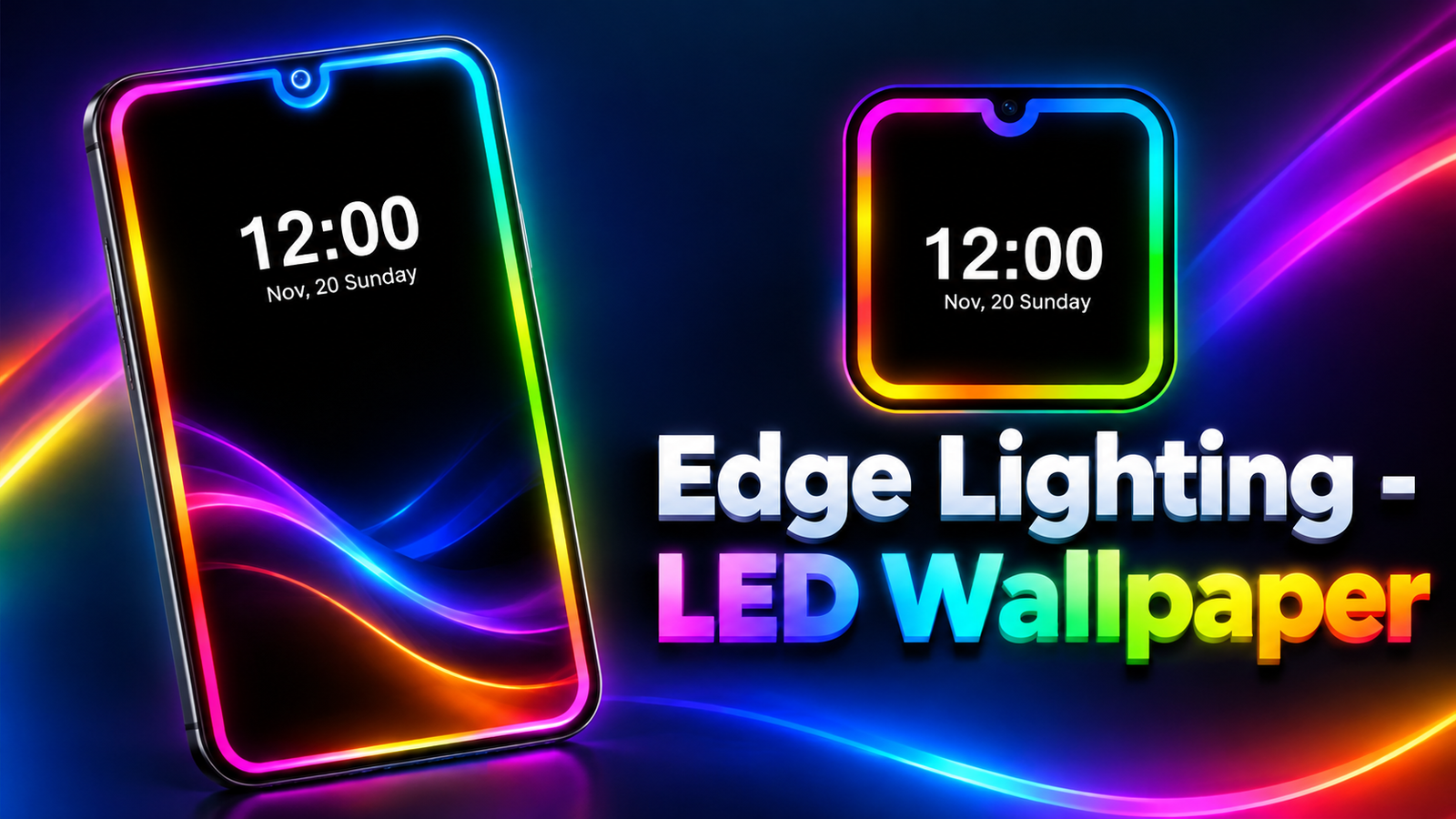
Want to give your smartphone a more attractive look without changing its physical design? Edge Lighting – LED Wallpaper is an Android customization app that lets you decorate your screen with colorful glowing borders, animated lighting effects and live wallpapers.
The app offers a variety of colors, border shapes and animation settings, allowing users to personalize their displays according to their preferences. It also includes options for displaying edge lighting over other apps and highlighting incoming calls and notifications.
Also read: Caller Name Announcer Review: Hear Who Is Calling Without Looking at Your Phone
What Is Edge Lighting – LED Wallpaper?
Edge Lighting – LED Wallpaper is a screen customization app designed to add decorative lighting effects around the edges of your phone’s display. Instead of using a plain screen appearance, you can experiment with RGB colors, glowing borders, gradients and animated designs.
The app also provides live wallpapers for the home screen and lock screen. Its combination of lighting effects and background customization makes it suitable for users who enjoy personalizing their Android devices.
Key Features of Edge Lighting – LED Wallpaper
1. Colorful RGB Edge Lighting
One of the app’s main attractions is its collection of edge lighting colors. According to the app description, users can choose from more than 100 colors and experiment with gradients and different glow effects.
You can adjust the appearance of the border to create a style that matches your wallpaper or personal preferences. Whether you prefer subtle lighting or bright RGB effects, the available customization options offer different ways to change your screen’s appearance.
2. Customizable Border Shapes
The app goes beyond ordinary rectangular lighting by offering different decorative shapes and themes.
Available design categories include:
- Love and emoji designs
- Christmas and Halloween themes
- Pets and animal-inspired styles
- Hero-inspired designs
- Zodiac symbols
- Flowers and other decorative patterns
These options help users create a more personalized screen rather than relying on the same border design all the time.
3. Edge Lighting Over Other Apps
Edge Lighting – LED Wallpaper includes an overlay feature that can display lighting effects while you use other applications.
For example, you may want your glowing border to remain visible while browsing social media, chatting on WhatsApp or playing games. The app is designed to support this type of customization through an overlay.
Depending on your device, this feature may require permission to display content over other apps. Check the requested permissions and adjust the settings if the lighting does not appear as expected.
4. Caller ID and Notification Lighting
Another useful feature is edge lighting for incoming calls and notifications. When enabled, the border can glow to provide a visual alert.
This may appeal to users who want something different from standard notification indicators. However, the feature’s behavior can depend on notification access, device settings and compatibility with individual apps.
5. Collection of 4K Live Wallpapers
The app also offers a collection of 4K live wallpapers and LED-themed backgrounds for the home screen and lock screen.
You can explore different backgrounds and combine them with suitable lighting effects to create a coordinated appearance. If you frequently change your phone’s wallpaper, this feature gives you another way to refresh its overall look.
Keep in mind that actual wallpaper quality and playback performance can depend on your device’s display and available resources.
6. Adjust Border Thickness, Speed and Notch Design
For additional personalization, the app lets users adjust several lighting properties, including:
- Border thickness
- Animation speed
- Lighting direction
- Glow intensity
- Edge lighting colors and styles
It also provides options designed to accommodate different phone notch layouts. These controls help you adjust the lighting to suit your device rather than using a single fixed design.
Is Edge Lighting – LED Wallpaper Worth Trying?
Edge Lighting – LED Wallpaper may be a good option for Android users who enjoy colorful screen effects and animated backgrounds. Its combination of RGB borders, themed shapes, live wallpapers and notification lighting provides several customization options in one app.
However, continuously running animations or displaying overlays may affect battery consumption, depending on your device and settings. If battery life is important to you, consider using simpler effects and disabling features you do not need.
Final Verdict
Edge Lighting – LED Wallpaper offers an easy way to personalize an Android phone with glowing screen borders, colorful animations and live wallpapers. Its adjustable lighting styles and notification effects may appeal to users who want their devices to look different from the standard Android interface.
If screen customization is your priority, the app is worth exploring. Before enabling overlay or notification features, review the required permissions and choose settings that balance appearance, usability and battery life.
Edge Lighting – LED Wallpaper – Play Store App
FAQs
1. What is Edge Lighting – LED Wallpaper?
It is an Android customization app that adds colorful edge lighting, animated border effects and live wallpapers to your phone.
2. How many edge lighting colors are available?
The app description advertises more than 100 edge lighting colors, along with gradients and customizable glow effects.
3. Can I use edge lighting while opening other apps?
Yes. The app offers an overlay feature designed to display edge lighting over other applications, subject to permissions and device compatibility.
4. Does the app support call notifications?
Yes. It includes edge lighting features for incoming calls and notifications.
5. Can I change the lighting animation speed?
Yes. You can customize settings such as animation speed, border thickness, lighting direction and glow.
6. Does Edge Lighting – LED Wallpaper include live wallpapers?
Yes. The app offers a collection of 4K live wallpapers for the home screen and lock screen.
7. Can edge lighting affect battery life?
It may. Battery consumption depends on factors such as animation intensity, screen usage and device hardware. Using simpler effects may help reduce power consumption.
1 thought on “Edge Lighting – LED Wallpaper Review: Customize Your Phone With Colorful Border Lights”