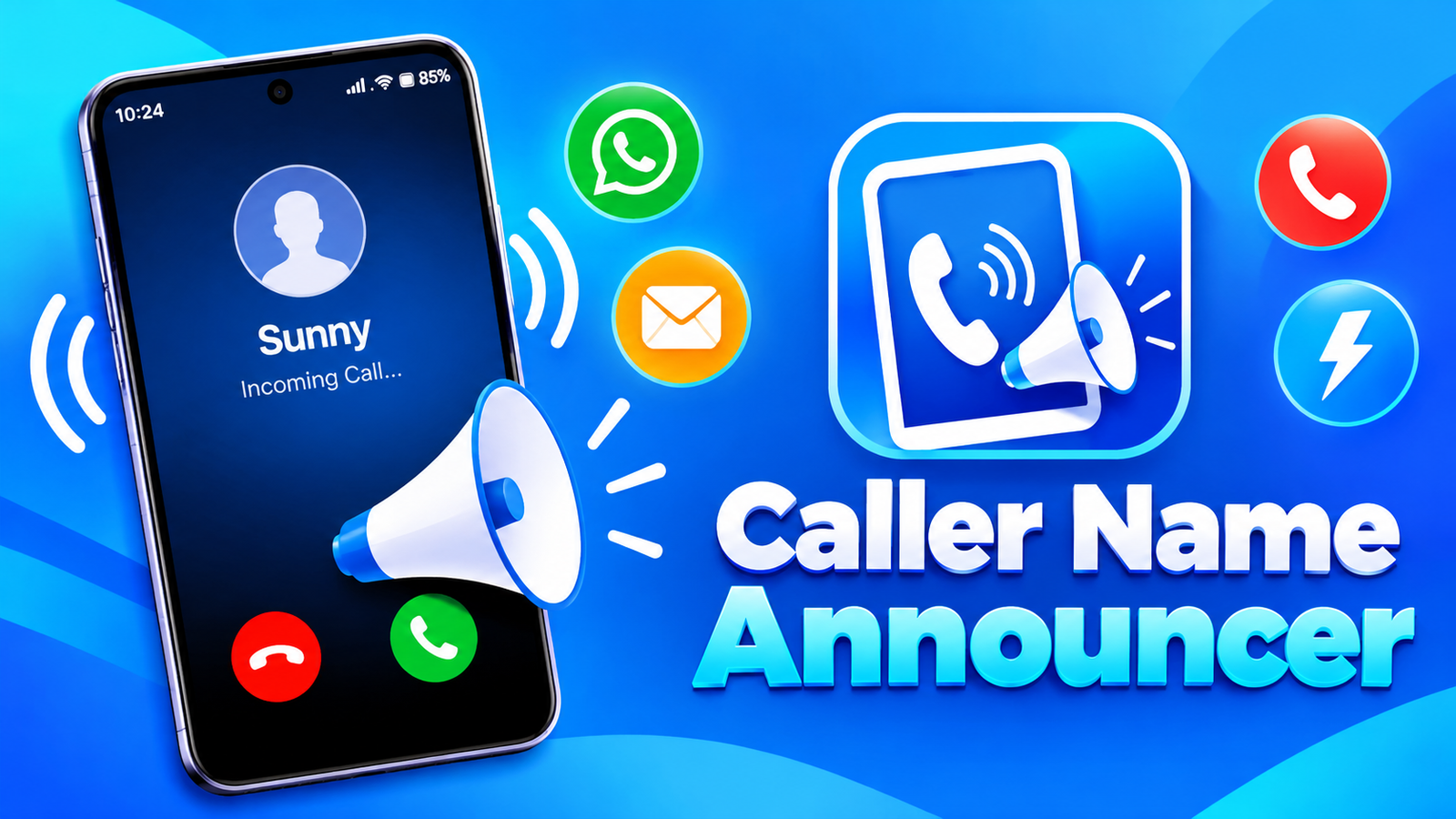
Have you ever missed an important call because your phone was across the room or tucked inside your bag? Caller Name Announcer is designed to make these situations easier by speaking caller information and announcing selected notifications aloud. It also offers flashlight alerts to help you notice incoming calls and messages.
With customizable announcement settings, support for different text-to-speech languages and multiple flash patterns, the app provides several ways to stay informed without constantly checking your screen.
Also read: Win7 Simu Review: Experience the Classic Windows 7 Interface on Your Phone
What Is Caller Name Announcer?
Caller Name Announcer is an Android utility that announces incoming calls, SMS messages and WhatsApp notifications. Instead of relying only on your ringtone or vibration, you can use voice announcements to hear information about incoming communications.
The app also includes caller identification features and a flashing light alert system. These options may be useful at home, while working, or whenever you cannot easily look at your phone.
Key Features of Caller Name Announcer
1. Caller ID and Call Information
The app includes a caller ID feature that helps identify who is calling. According to its description, it can also identify unknown phone calls and provide a detailed call summary after each call.
These features can help you recognize incoming calls more conveniently. However, identifying an unknown number does not necessarily reveal the caller’s verified identity, so treat such information with care.
2. Call, SMS and WhatsApp Announcements
One of the app’s main features is its ability to announce different types of incoming communications.
It supports:
- Call Announcer: Hear information about incoming callers.
- SMS Announcer: Listen to announcements when text messages arrive.
- WhatsApp Announcer: Receive spoken announcements for WhatsApp messages.
This can be particularly convenient when your phone is not immediately within reach. The information announced may depend on your notification settings, permissions and device configuration.
3. Customizable Voice Settings
Not everyone wants their phone to announce every incoming call or message. Caller Name Announcer offers several settings to help tailor the experience.
You can:
- Disable announcements for specific contacts.
- Use a different or fake name for announcements instead of the real name.
- Adjust announcement volume separately for calls, SMS and WhatsApp.
- Use supported text-to-speech (TTS) engines.
- Select different languages available through your TTS engine.
The app also states that announcements can work in ring, silent and vibrate modes. Actual behavior may vary depending on your phone’s settings and Android version.
4. Flashlight Alerts for Calls and Notifications
If you prefer visual alerts, the app can make your phone’s flashlight blink when a call, SMS or supported app notification arrives.
You can customize the blinking pattern to suit your preferences. The app also provides gestures for stopping the flash alert, including shaking the phone or using the power button.
Another useful feature is automatic closure of flash alerts when the battery is low. This may help avoid unnecessary flashlight use when your phone needs to conserve power.
5. Helpful for Different Situations
Caller Name Announcer offers a combination of voice and visual notifications that may suit different everyday needs.
For example, voice announcements can be helpful when you are cooking or doing household tasks. Flashlight alerts may be useful in noisy surroundings where you might not hear your ringtone, provided you can see the flashing light.
You can choose which features to use based on your routine rather than relying on every alert option at once.
Things to Consider Before Using the App
Some features may require permissions for calls, notifications, SMS or flashlight access. Review the requested permissions before enabling them, and grant only the access needed for the functions you want to use.
Voice announcements may also reveal caller names or message information to people nearby. Consider disabling sensitive announcements when you are in a public place or sharing a room with others.
Finally, flashlight behavior and background operation can differ across Android devices, so check the app’s settings if an alert does not work as expected.
Final Verdict
Caller Name Announcer combines voice announcements, caller identification and flashlight notifications in one Android utility. Its separate volume controls, contact-specific settings, TTS language support and customizable flash patterns provide flexibility for different users.
If you want to hear incoming calls and messages instead of checking your phone repeatedly, this app may be worth exploring. Before using it regularly, review its permissions and customize the announcements to protect your privacy.
Caller Name Announcer – Play Store App
FAQs
1. What does Caller Name Announcer do?
It announces incoming calls, SMS messages and WhatsApp notifications, and provides caller ID and flashlight alert features.
2. Can Caller Name Announcer speak incoming SMS messages?
Yes. The app includes an SMS announcer feature. Its behavior depends on the permissions and settings enabled on your device.
3. Does it support WhatsApp notifications?
Yes. WhatsApp announcements are listed among its features, although notification access may be required.
4. Can I turn off announcements for specific contacts?
Yes. The app lets you disable voice announcements for selected contacts.
5. Can I change the announcement language?
Yes. It supports languages available through compatible text-to-speech engines installed on your device.
6. How do flashlight alerts work?
The app flashes your phone’s light for incoming calls, SMS and supported notifications. You can customize the blinking pattern and stop alerts using supported gestures.
7. Does Caller Name Announcer work in silent mode?
The developer states that announcements support ring, silent and vibrate modes. However, actual behavior may depend on device settings and Android restrictions.
1 thought on “Caller Name Announcer Review: Hear Who Is Calling Without Looking at Your Phone”