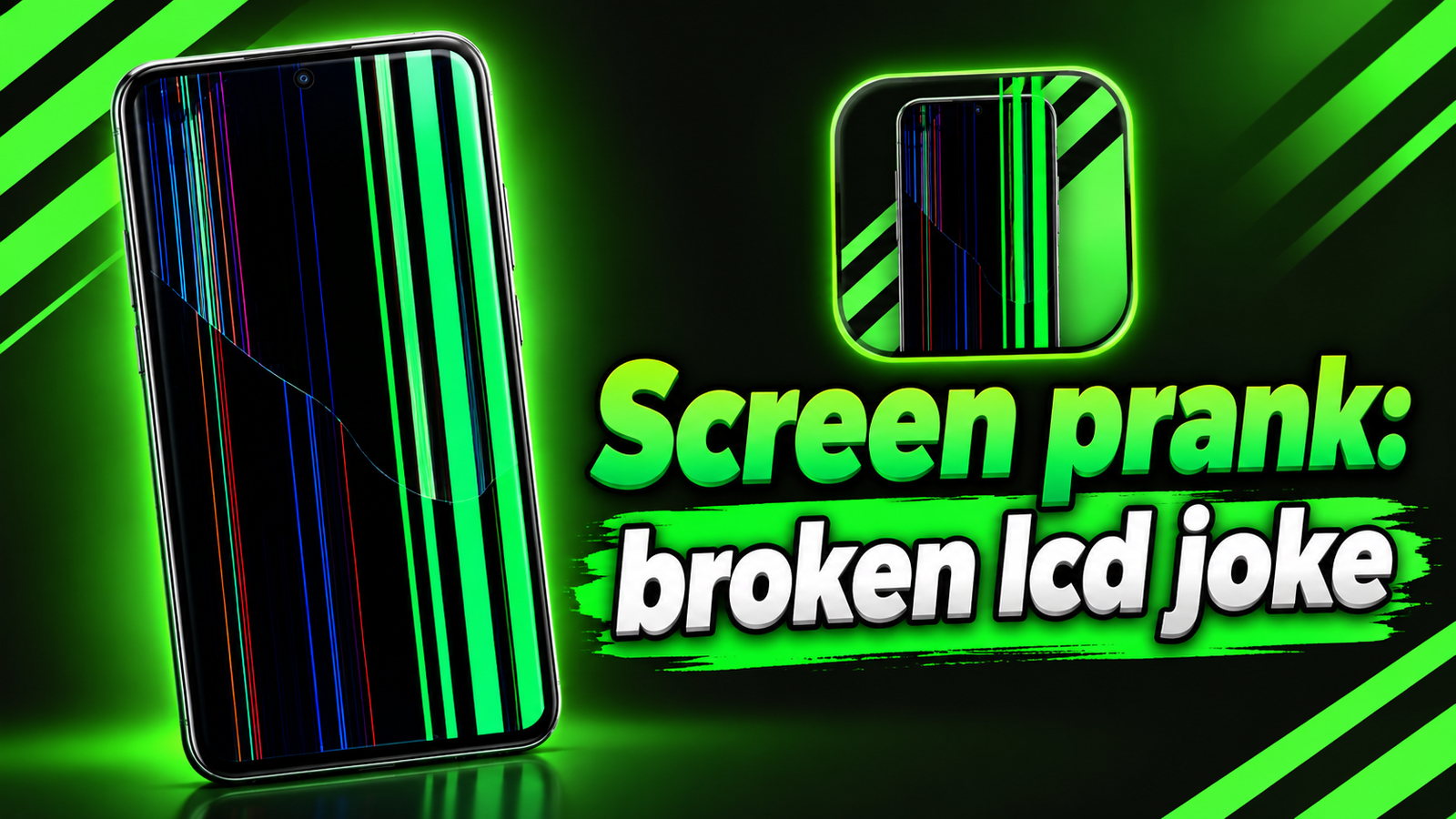
Have you ever wanted to make your phone screen look damaged as a practical joke without actually breaking it? Screen Prank: Broken LCD Joke is an Android entertainment app that lets you simulate screen problems using visual effects. From green vertical lines and cracked glass to flickering patterns and pixel glitches, the app offers different ways to change how your display looks temporarily.
Unlike a real damaged display, these effects are generated by software. You can explore ready-made simulations or design custom line effects to create a look that suits your prank. Here’s a closer look at the app’s features, customization options and things to consider before using it.
Also read: Edge Lighting – LED Wallpaper Review: Customize Your Phone With Colorful Border Lights
What Is Screen Prank: Broken LCD Joke?
Screen Prank: Broken LCD Joke is a visual simulation app developed by EosRmg. It is designed for entertainment rather than repairing or damaging a smartphone’s hardware.
The app lets users display artificial screen defects over the home screen and supported applications. You can select a preset effect, customize its appearance or schedule it to appear after a countdown.
According to its provided Google Play Store listing, the app requires Android 8.0 or later. Its description also lists more than one million downloads, making it an option worth exploring for users interested in screen prank effects.
Key Features of Screen Prank: Broken LCD Joke
1. Different Fake Screen Damage Effects
The app includes several visual effects that imitate common display problems. Available options include:
- Green lines: Simulate vertical green lines across the display.
- Multiple lines: Create a screen appearance with several visible lines.
- Flickering patterns: Add a flashing effect for a more noticeable simulation.
- Hairline cracks: Make the screen appear to have fine cracks.
- Dead pixels: Reproduce the look of pixel defects.
- Ghost images: Simulate a burn-in-like appearance.
- Color banding: Add visible bands of color to the display.
The Premium version also includes additional effects, such as broken glass, water-damage visuals and digitizer tears.
These simulations can be useful for harmless jokes, creative demonstrations or simply experimenting with different screen appearances.
2. Create Custom Effects With Effects Studio
One of the app’s most interesting features is Effects Studio, which lets you create your own line-based screen effects instead of relying entirely on presets.
You can customize several properties, including:
- Line color, thickness and length
- Angle and available position settings
- Number of lines and spacing between them
- Continuous lines or broken segments
- Still or animated effects
Animation options include flickering, sweeping movements and glitch jumps. You can also preview your designs against dark, light or app-based backgrounds.
Once you have created an effect you like, you can save it and load it again later. Some advanced controls, Studio styles and higher line counts require the Premium upgrade.
3. Activate Effects Immediately or With a Timer
Screen Prank: Broken LCD Joke offers flexible activation options. You can start a selected effect immediately or set a countdown in seconds, minutes or hours.
When the countdown finishes, the chosen simulation appears. This can be useful when preparing a prank in advance, although it’s best to use the feature responsibly and avoid causing unnecessary concern.
4. Display Effects Over Other Apps
The app can display its simulated screen damage over the home screen and supported applications. This makes the effect more noticeable than a graphic shown only inside the app.
To use this functionality, you must grant the required Android permission to display over other apps. You can stop the simulation from within the app.
The overlay pauses when the phone screen turns off and resumes when the screen turns back on if the effect remains active.
5. Light and Dark Themes
The app supports Light, Dark and System appearance modes. On Android 12 and newer, it also offers wallpaper-based colors for the app interface.
These options affect the app’s appearance rather than changing your phone’s wallpaper, allowing you to choose a comfortable interface while configuring effects.
Is Screen Prank: Broken LCD Joke Free?
The app contains advertisements and offers an optional one-time Premium purchase. According to its description, Premium removes ads and unlocks additional effects, Studio styles and advanced customization controls.
The listed in-app purchase price is ₹320 per item, although the actual price of an available purchase should be checked in Google Play before buying.
Important Things to Know Before Using the App
Although the effects can look realistic, they do not physically crack the screen, create actual dead pixels or fix hardware problems. If your phone already has display issues, this app will not repair them.
Some simulations use flashing or flickering visuals. Avoid those effects if you are sensitive to flashing lights, and use the app carefully around other people to prevent misunderstandings.
Final Verdict
Screen Prank: Broken LCD Joke is a straightforward entertainment app for anyone who wants to experiment with fake screen damage effects on Android. Its preset simulations, customizable Effects Studio, countdown timer and overlay support offer several ways to create a convincing visual prank.
The ability to save custom designs is particularly useful for users who want more control over their effects. However, some advanced options require Premium, and the overlay feature needs additional permission.
Overall, it is worth trying if you enjoy harmless phone pranks or screen simulations. Just remember that the effects are visual tricks, not actual hardware damage, and use them in a way that keeps the joke fun for everyone.
Screen prank: broken lcd joke – Play Store App
Frequently Asked Questions (FAQs)
1. What is Screen Prank: Broken LCD Joke?
It is an Android entertainment app that simulates screen defects such as green lines, cracks, dead pixels and display glitches.
2. Does Screen Prank actually damage the phone screen?
No. The app displays simulated graphics and does not physically damage the screen or create real dead pixels.
3. Can I create my own screen damage effects?
Yes. Effects Studio lets you customize line colors, thickness, length, spacing, angles and animation styles. Some advanced options require Premium.
4. Can I show fake screen damage over other apps?
Yes. The app supports overlays over the home screen and compatible applications when the necessary Android permission is enabled.
5. Does Screen Prank: Broken LCD Joke require a subscription?
No subscription is listed in the provided description. The app contains ads and offers an optional one-time Premium purchase.
6. Which Android version does the app support?
The provided Google Play Store listing states that Android 8.0 or later is required.
7. Is Screen Prank: Broken LCD Joke safe to use?
It is designed for visual entertainment, but you should review its permissions and avoid flashing effects if you are sensitive to them. It cannot repair genuine display problems.
1 thought on “Screen Prank: Broken LCD Joke Review – Create Fake Screen Damage Effects on Android”