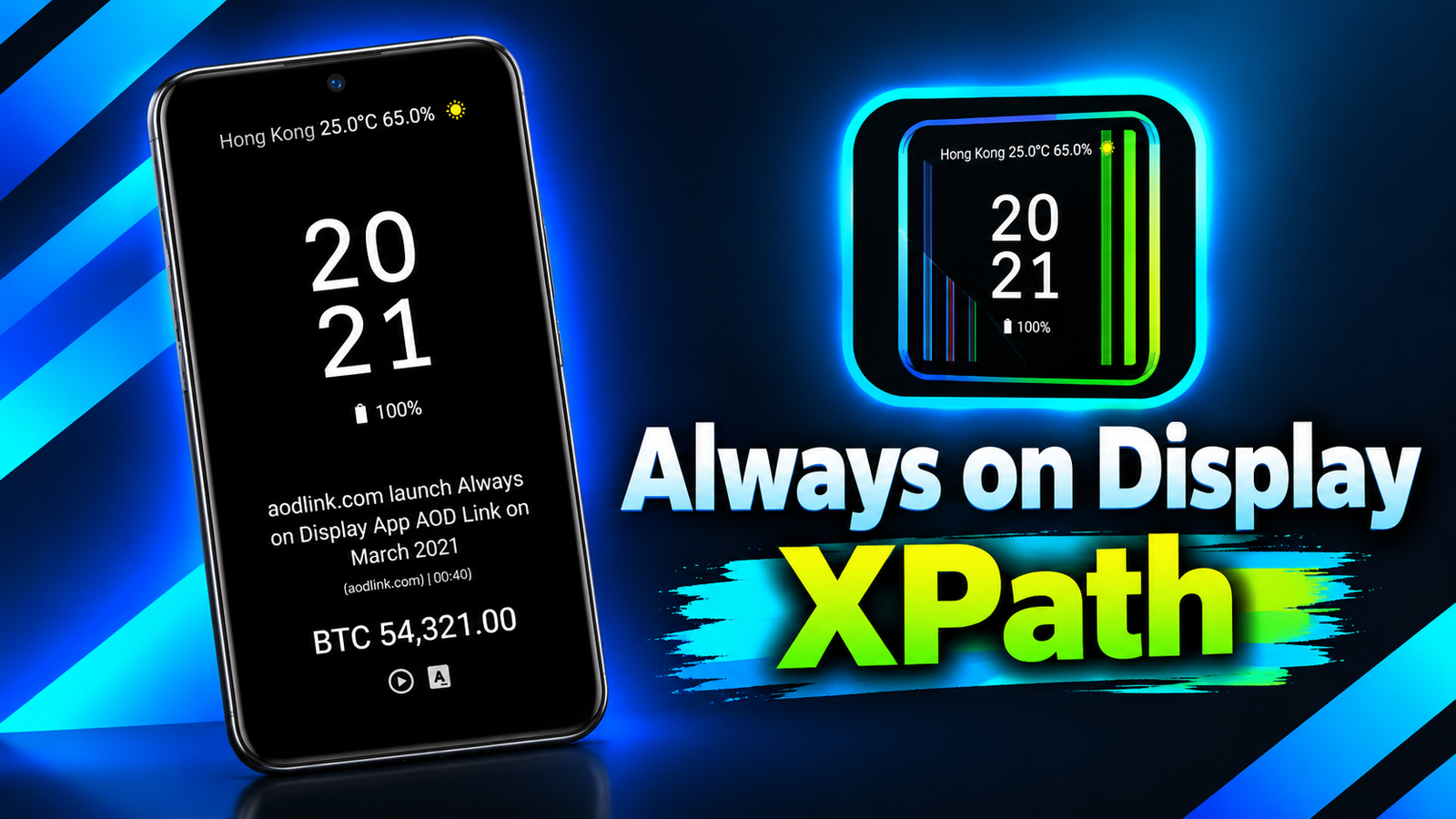
Smartphones offer plenty of customization options, but the lock screen often displays only basic information, such as the time, date, and notifications. What if you could use that space to display weather updates, calendar events, battery information, news headlines, and even data from websites?
Always on Display XPath is an Android app designed to make your lock screen more informative and personalized. It allows users to display different types of information on their phone or tablet screens, with several customization options for arranging content and changing its appearance.
Let’s explore its key features and see what makes this app different from other always-on display applications.
Also read: Screen Prank: Broken LCD Joke Review – Create Fake Screen Damage Effects on Android
What Is Always on Display XPath?
Always on Display XPath is a screen customization app that lets you choose the information you want to see on your lock screen. Besides clocks and battery details, it supports weather forecasts, notification icons, music information, calendar events, images, and various types of online data.
Many of its widgets can also be displayed on the home screen, giving users additional flexibility.
The app is suitable for people who want more control over their display and prefer having useful information available without repeatedly opening different applications.
Key Features of Always on Display XPath
1. Customizable Clocks and Display Styles
The app offers different clock and date display options. Users can adjust font sizes, choose font styles, and change text and background colors to match their preferences.
Additional visual effects include shadows, neon lighting, flipped digits, and Nixie-style fonts. Some clock designs also support changing the time zone.
These options make it easier to create a display that matches your preferred style.
2. Battery and Notification Information
Always on Display XPath can show battery percentage, battery temperature, and estimated remaining charging time.
It also supports notification icons, message titles, and action buttons. This can help users check important information directly from the display without navigating through multiple screens.
However, the information available may depend on the selected widget and the permissions granted to the app.
3. Weather Updates and News Feeds
The app supports weather information and forecasts, with options for manual location entry or automatic location detection.
Users can also display RSS news feeds, famous quotes, calendar events, public holidays, and personal reminders. These features can make the lock screen more useful for checking daily updates.
4. Display Information from Websites and APIs
One of the app’s distinctive features is its ability to display selected information from web pages using XPath.
Users can share a webpage URL from their browser with the app, select the information they want to display, and configure how frequently it should refresh.
The app also supports selected fields from JSON APIs, which can be useful for displaying information such as cryptocurrency prices or currency exchange rates.
These advanced features may appeal particularly to users who enjoy experimenting with data and custom display layouts.
5. Music Controls and Multimedia Wallpapers
Always on Display XPath can display the currently playing song’s name, album artwork, and a volume control bar.
It also supports images and MP4 videos from the user’s gallery as wallpapers. Users can further personalize their screens with selected photos, stickers, and animated images.
6. Flexible Layouts and Gestures
The app supports different display arrangements, including horizontal lines, edge layouts, hybrid views, and one- or two-column designs.
Users can also configure certain gestures to adjust brightness or open other apps. Edge lighting can be enabled for notifications from selected applications.
The interface supports portrait and landscape orientations, and the app provides an option to control always-on display functionality through Android’s Quick Settings.
Compatibility and Availability
According to its Google Play Store description, Always on Display XPath requires Android 8.0 or later. The developer states that the app has been tested on devices from manufacturers including Samsung, Xiaomi, Google, OPPO, and Vivo.
Some features may vary depending on the device, Android version, and available permissions. Users should also consider display technology and battery consumption before enabling an always-on display for extended periods.
Is Always on Display XPath Worth Trying?
Always on Display XPath – Play Store App
Always on Display XPath offers more than a conventional clock display. Its combination of customizable clocks, battery information, notifications, weather, RSS feeds, multimedia options, and web-based data makes it a versatile choice for Android users who want a personalized screen.
While basic users may need only a clock and date, those interested in advanced customization may appreciate its flexible layouts and data-display capabilities. Some options may require additional setup, so beginners might need time to explore the available settings.
Final Verdict: Always on Display XPath is worth considering if you want to turn your lock screen into a customizable information panel. Its extensive widget options and support for web data make it particularly interesting for users who prefer a more informative and personalized Android experience.