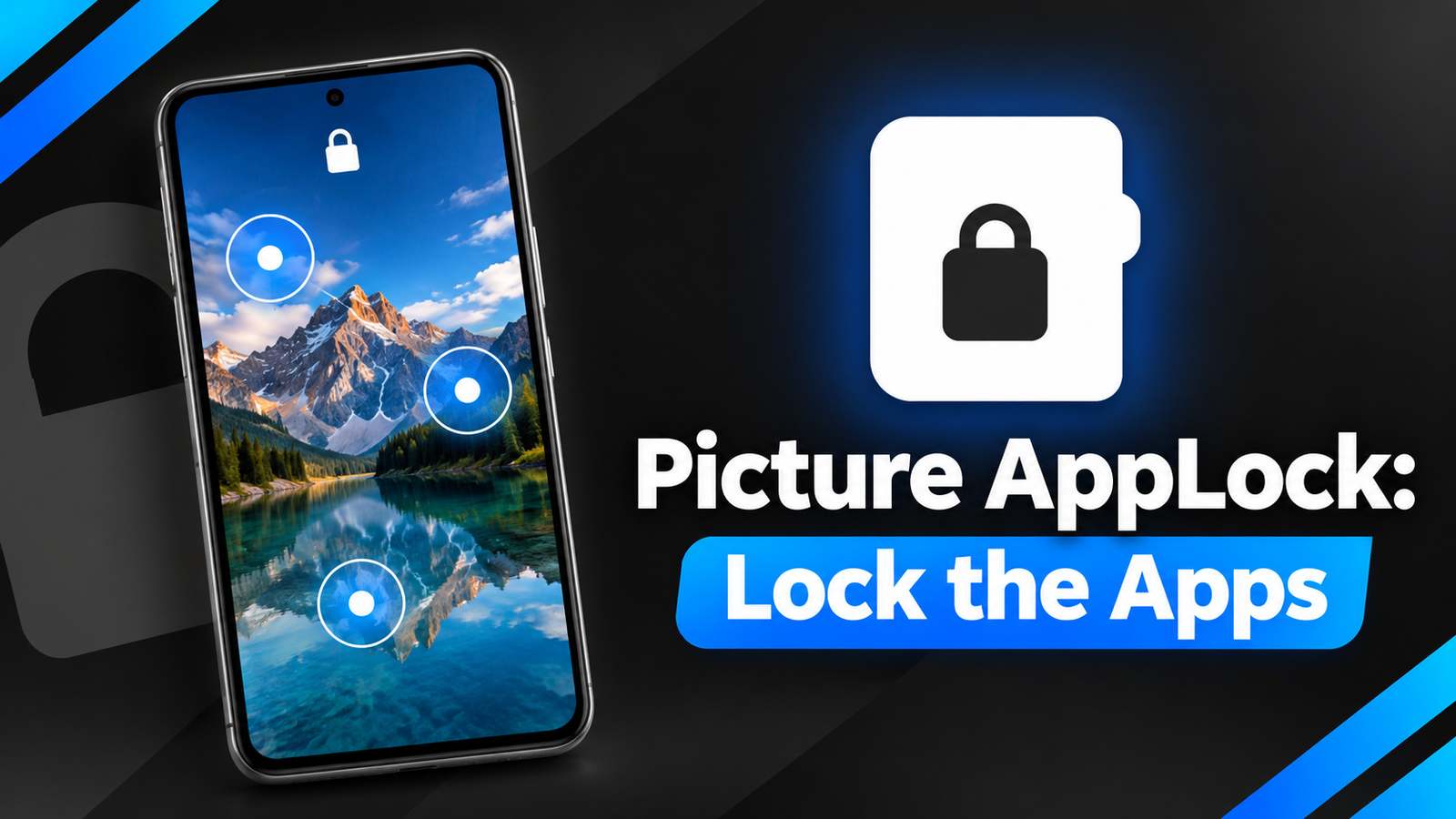
Protecting personal information on a smartphone is important, especially when you share your device with family members or friends. Traditional app lockers usually rely on PINs, passwords, or pattern locks, which can sometimes be observed by people nearby. Picture AppLock: Lock the Apps offers a different approach by allowing users to unlock protected apps using secret touch points on a personal photo.
Instead of entering numbers or drawing a pattern, users can create a picture-based password that is easier to personalize. Let’s explore its features and understand how this app works.
Also read: Always on Display XPath App Review: A Smarter Way to Customize Your Lock Screen
What Is Picture AppLock: Lock the Apps?
Picture AppLock is an Android app designed to help users protect selected applications with a photo-based security system. It allows you to choose an image from your gallery and set three specific locations on that image as your secret unlock code.
Whenever you open a protected application, the selected picture appears on the screen. You must tap the three chosen locations to unlock the app.
This approach offers an alternative to conventional PINs and patterns, particularly for users who prefer a more personalized locking method.
Key Features of Picture AppLock
1. Unique Picture-Based Password
The main highlight of Picture AppLock is its invisible picture code. You can select almost any suitable image from your gallery and choose three specific points as your password.
For example, you might select a tree photograph and use a particular leaf, a branch, and a flower as your secret touch points.
Because the password is based on locations within an image rather than visible numbers or lines, it offers a different unlocking experience from traditional app locks. However, its actual security depends on how carefully you choose your touch points and configure the app.
2. Lock Your Favourite Apps
Picture AppLock allows you to protect selected applications, including messaging apps, social media platforms, email, gallery, and banking apps.
This feature can be useful if you occasionally lend your phone to someone but want to keep certain applications private.
You can choose which apps require additional protection instead of applying the same restrictions to your entire device.
3. Adjustable Touch Accuracy
Not everyone interacts with a touchscreen in exactly the same way. Picture AppLock includes a customizable touch-radius setting that lets users adjust how precisely they need to tap their selected locations.
You can choose a standard touch area or a more precise setting, depending on your preference.
A smaller touch area may make accidental matches less likely, although it can also make unlocking more difficult.
4. Flexible Auto-Lock Options
The app includes an auto-lock timer that lets you decide when protected applications should require authentication again.
You can configure apps to lock immediately after closing them or allow a short grace period, such as 30 seconds or two minutes.
This flexibility can make everyday use more convenient by reducing the need to unlock an application repeatedly when switching between tasks.
5. Biometric Recovery and Uninstall Protection
For users who forget their picture code, the app supports using the device’s native fingerprint or face authentication to reset the app PIN.
It also offers uninstall protection intended to prevent unauthorized users from removing the app locker to bypass its restrictions.
These features provide additional recovery and protection options, although their effectiveness may depend on Android permissions, device settings, and the app’s implementation.
Privacy and Data Protection
According to the developer’s description, Picture AppLock processes and stores its core security information locally on the device. This includes selected photos, secret touch coordinates, and app usage history.
The developer states that this information is not transmitted or uploaded to external servers.
Users who prioritize privacy may appreciate this approach. However, anyone concerned about data handling should review the app’s privacy policy and permissions before installation.
Picture AppLock: Lock the Apps – Play Store App
Is Picture AppLock Worth Trying?
Picture AppLock: Lock the Apps offers an interesting alternative to conventional app lockers. Its photo-based password system, adjustable touch accuracy, auto-lock timer, biometric recovery, and uninstall protection make it worth considering for users who want a different way to protect selected applications.
The picture-based system may take some time to get used to, and users should choose their secret touch points carefully. It is also important to remember that an app locker provides an additional layer of protection rather than replacing the security features built into Android.
Final Verdict: If you want to protect personal applications without relying on a traditional numeric PIN or pattern, Picture AppLock is an option worth exploring. Its personalized unlocking method and locally stored security information make it an interesting choice for Android users who value convenience and privacy.
1 thought on “Picture AppLock: Lock the Apps Review – A Unique Way to Protect Your Privacy”