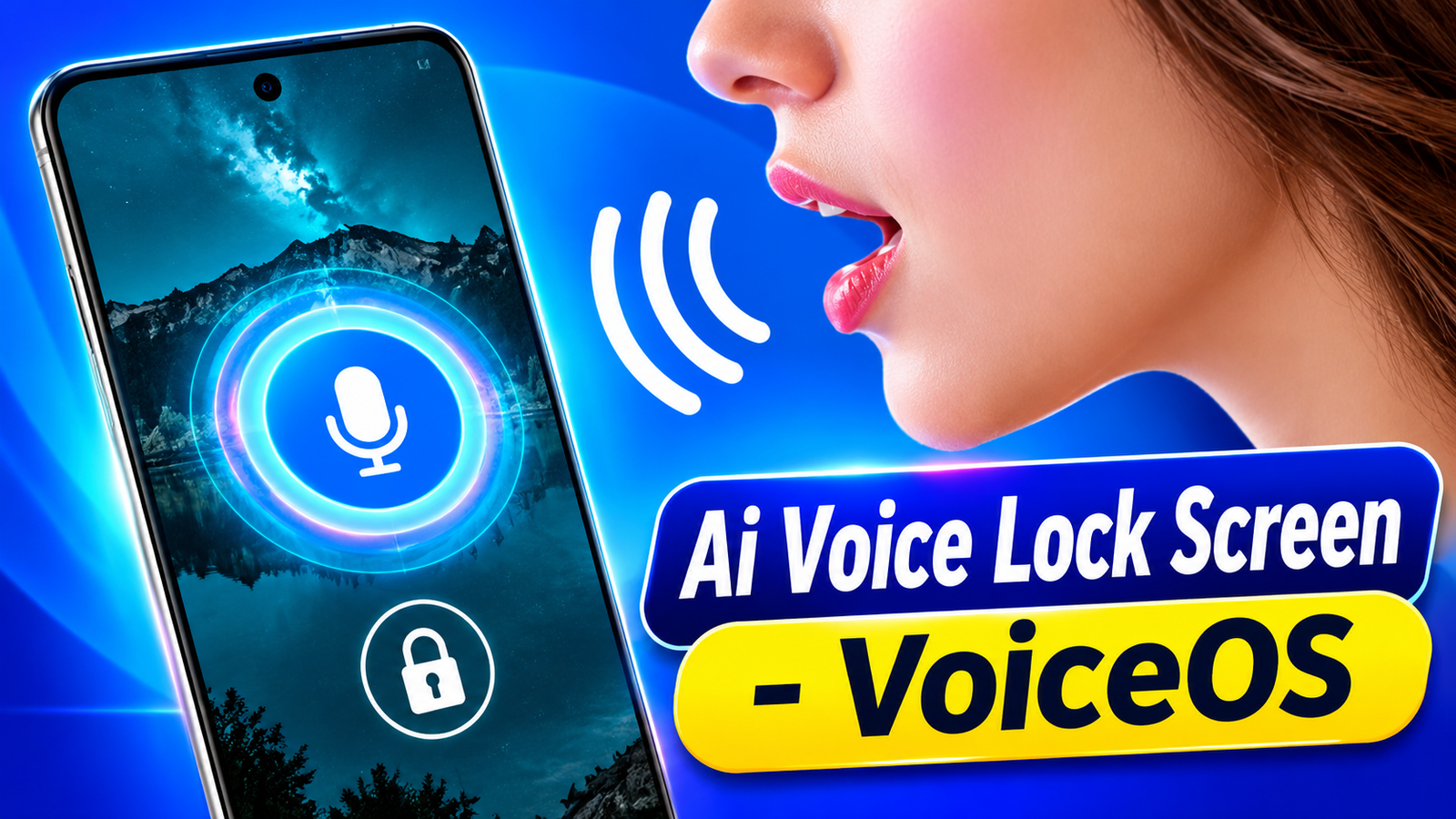
Smartphone users are always looking for new ways to personalize their devices and make everyday interactions more convenient. While traditional PINs and pattern locks remain common, some users enjoy experimenting with alternative ways to interact with their phones. AI Voice Lock Screen – VoiceOS is an Android app that introduces a fun voice-based lock screen experience along with customization and AI-inspired features.
The app allows users to set custom voice commands, explore interactive unlock effects, and personalize their lock screen with different themes and wallpapers. It also includes additional tools such as AI-style daily quotes and voice notes, making it more than just a basic lock screen customization app.
Also read: Truck Masters: India Simulator – Experience Realistic Indian Truck Driving on Android
What Is AI Voice Lock Screen – VoiceOS?
AI Voice Lock Screen – VoiceOS is designed for Android users who want to try something different from conventional lock screen experiences. Instead of focusing only on PINs or patterns, the app lets users experiment with voice commands to trigger a customized unlock screen experience.
Its interface combines voice interaction with personalization options, giving users more control over how their lock screen looks and feels. Whether you enjoy trying new smartphone features or simply want a different lock screen design, VoiceOS offers an interesting option to explore.
Key Features of AI Voice Lock Screen – VoiceOS
1. Custom Voice Lock Screen Setup
One of the main features of VoiceOS is its voice command setup. Users can create their own voice command and configure the app to respond to it. This provides a different way to interact with the lock screen and makes the overall experience more engaging.
2. Interactive Voice Unlock Experience
The app offers a voice-based unlock effect that responds to spoken commands. It is designed primarily for entertainment and customization, allowing users to experience a voice-controlled lock screen rather than relying entirely on conventional unlock interactions.
3. Personalized Lock Screen Themes
VoiceOS includes customization options that help users change the appearance of their lock screen. You can explore different themes, wallpapers, and visual styles to give your Android device a more personalized look.
4. PIN and Pattern Backup Options
Along with voice interaction, the app provides PIN and pattern options as alternatives. These options give users another way to interact with the app when they do not want to use voice commands.
However, users should remember that the app’s voice unlock feature does not replace Android’s built-in security lock.
5. AI-Style Daily Quotes
Another interesting addition is the AI-style quote feature. It displays inspirational quotes on the lock screen, giving users access to short motivational messages during their daily phone usage.
6. AI Voice Notes
VoiceOS also includes a voice notes feature that allows users to record quick ideas and reminders. This can be useful when you want to capture a thought without spending time typing.
Simple Android Experience
AI Voice Lock Screen – VoiceOS is designed to provide an easy-to-use experience across supported Android devices. It also uses accessibility features to support its functionality.
Users should review the permissions requested by the app and understand how its features work before enabling them.
Is AI Voice Lock Screen – VoiceOS Worth Trying?
If you enjoy experimenting with Android customization apps, AI Voice Lock Screen – VoiceOS is worth exploring. Its combination of voice commands, personalized lock screen themes, backup PIN and pattern options, daily quotes, and voice notes offers several features in one application.
The app is particularly interesting for users who want a more interactive lock screen experience instead of sticking with the same traditional design.
Ai Voice Lock Screen – VoiceOS – Play Store App
Keep in mind that its voice-based functionality is intended for entertainment and customization, not as a replacement for your phone’s actual security system. For protecting personal information, continue using Android’s built-in PIN, password, pattern, or biometric security.
Overall, AI Voice Lock Screen – VoiceOS brings a different approach to Android lock screen customization by combining voice interaction with useful personalization features.