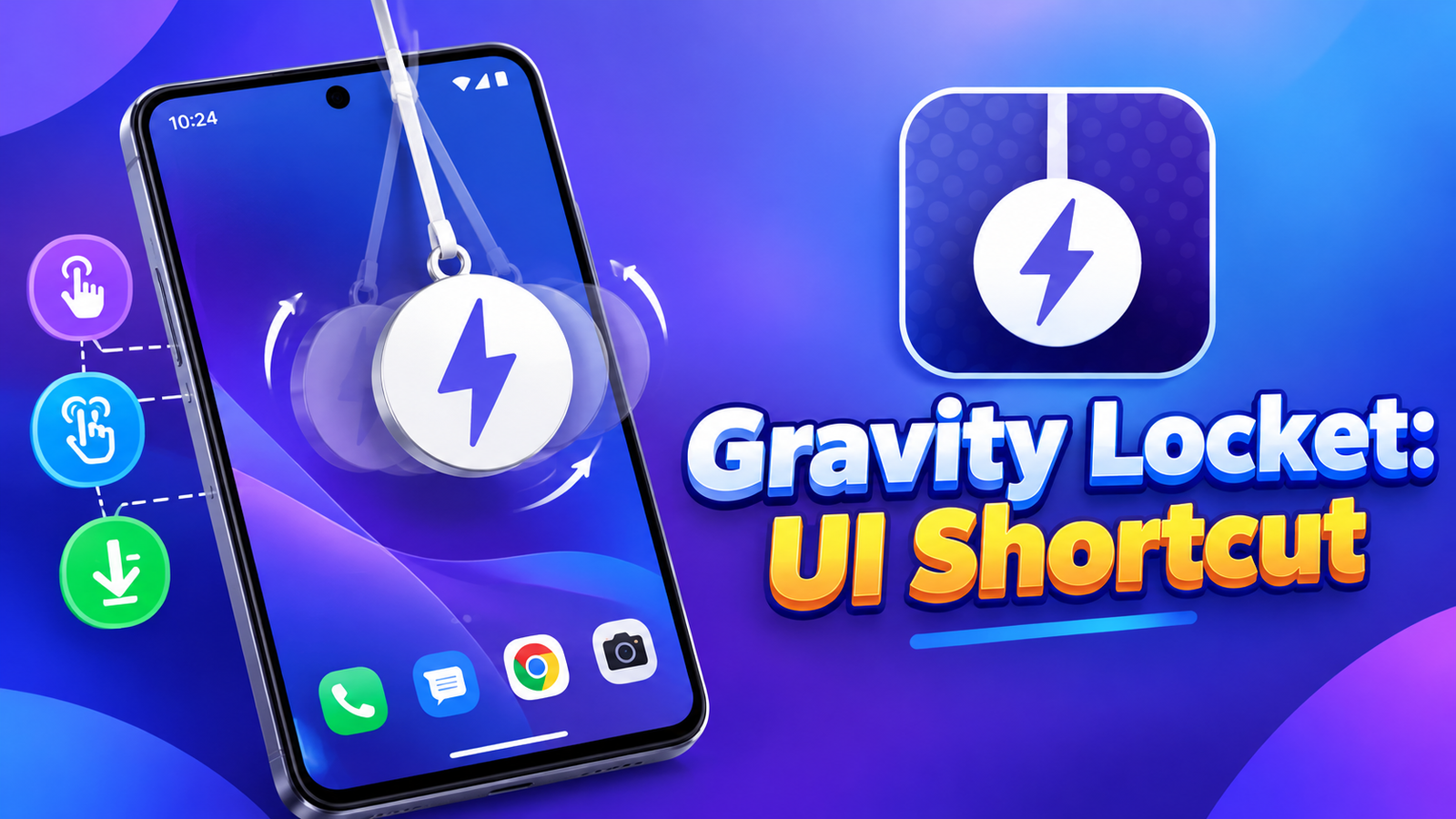
Smartphone customization isn’t just about wallpapers and icons. Small interactive features can also make everyday phone use more convenient. Gravity Locket: UI Shortcut takes an interesting approach by adding a floating, physics-based widget that moves naturally as you tilt or move your phone.
The app combines a customizable photo locket with quick app shortcuts, allowing users to personalize their screen while accessing frequently used apps without returning to the home screen.
Also read: Privacy Display: Screen Filter Review – A Simple Way to Hide Your Screen in Public
What Is Gravity Locket: UI Shortcut?
Gravity Locket is an Android app that displays a floating locket over other apps. Using the phone’s accelerometer, it responds to movement with swinging and bouncing animations designed to resemble a real hanging object.
Unlike a standard static widget, the locket reacts to how you handle your phone. It also serves a practical purpose by letting you assign shortcuts to different gestures.
Realistic Gravity and Motion Effects
The main attraction is the physics-based animation. When you tilt or move your phone, the floating locket reacts to changes in orientation and movement.
These swinging and bouncing effects give the screen a more interactive appearance. For users who enjoy creative Android customization, this adds something different from ordinary floating widgets.
Because the feature relies on accelerometer data, its behavior is connected to the device’s movement sensors.
Personalize the Locket With Your Photos
Gravity Locket lets you choose an image from your gallery and turn it into a customized floating widget. You can crop the photo into different shapes, including:
- Circles
- Rounded squares
- Pentagons
- Stars
You can also adjust the locket’s size, thread length and position near the top of the screen. These options make it easier to create a design that suits your wallpaper and personal style.
Quick App Shortcuts With Gestures
Gravity Locket isn’t only a decorative feature. It can also help you open frequently used apps through assigned gestures.
The app supports three shortcut interactions:
- Single Tap: Open your primary selected app.
- Double Tap: Launch a secondary app or utility.
- Pull Down: Trigger a specific action by dragging the locket downward.
These shortcuts can be useful when you frequently switch between apps. For example, you could assign a commonly used utility to a tap gesture instead of navigating through the home screen each time.
The available actions depend on how you configure the shortcuts.
Designed to Reduce Unnecessary Battery Use
The developer says Gravity Locket automatically pauses its physics engine and hides the widget in certain situations, including when the screen is turned off, secure apps are opened or the phone switches to landscape mode.
This behavior is intended to avoid running animations when they aren’t needed, such as while watching videos or playing games.
Actual battery consumption may still vary depending on the device, settings and usage patterns.
Privacy-Focused Operation
According to the app description, Gravity Locket processes selected images and accelerometer data locally on the device. The developer also states that personal app usage and shortcut data aren’t collected.
Users who want to customize their phone with personal photos may appreciate this stated approach. As with any app, reviewing its permissions and privacy information is a sensible step before enabling features that appear over other applications.
Gravity Locket: UI Shortcut – Play store App
Final Thoughts
Gravity Locket: UI Shortcut combines visual customization with practical gesture-based shortcuts. Its moving photo locket, adjustable shapes, realistic motion effects and configurable actions make it different from a conventional Android widget.
The app may appeal to users who enjoy personalizing their phone and want a quick way to access frequently used apps. If you like interactive screen elements that offer more than decoration, Gravity Locket is worth exploring.
FAQs
1. What is Gravity Locket: UI Shortcut?
It is an Android app that adds a customizable floating photo widget with physics-based movement and gesture shortcuts.
2. How does the gravity effect work?
The app uses the phone’s accelerometer to detect movement and make the locket swing and bounce.
3. Can I use my own photos?
Yes. You can select an image from your gallery and crop it into shapes such as circles, rounded squares, pentagons or stars.
4. What gestures does Gravity Locket support?
It supports single taps, double taps and pull-down gestures for assigned apps or actions.
5. Can I change the widget’s appearance?
Yes. You can adjust its image shape, size, thread length and position.
6. Does Gravity Locket run while the screen is off?
The developer says the app pauses its physics engine and hides the widget when the screen is turned off.
7. Does the app collect personal data?
The developer states that image and accelerometer processing happens locally and that personal app usage and shortcut data aren’t collected.
1 thought on “Gravity Locket: UI Shortcut Review – A Floating Widget With Smart Gestures”