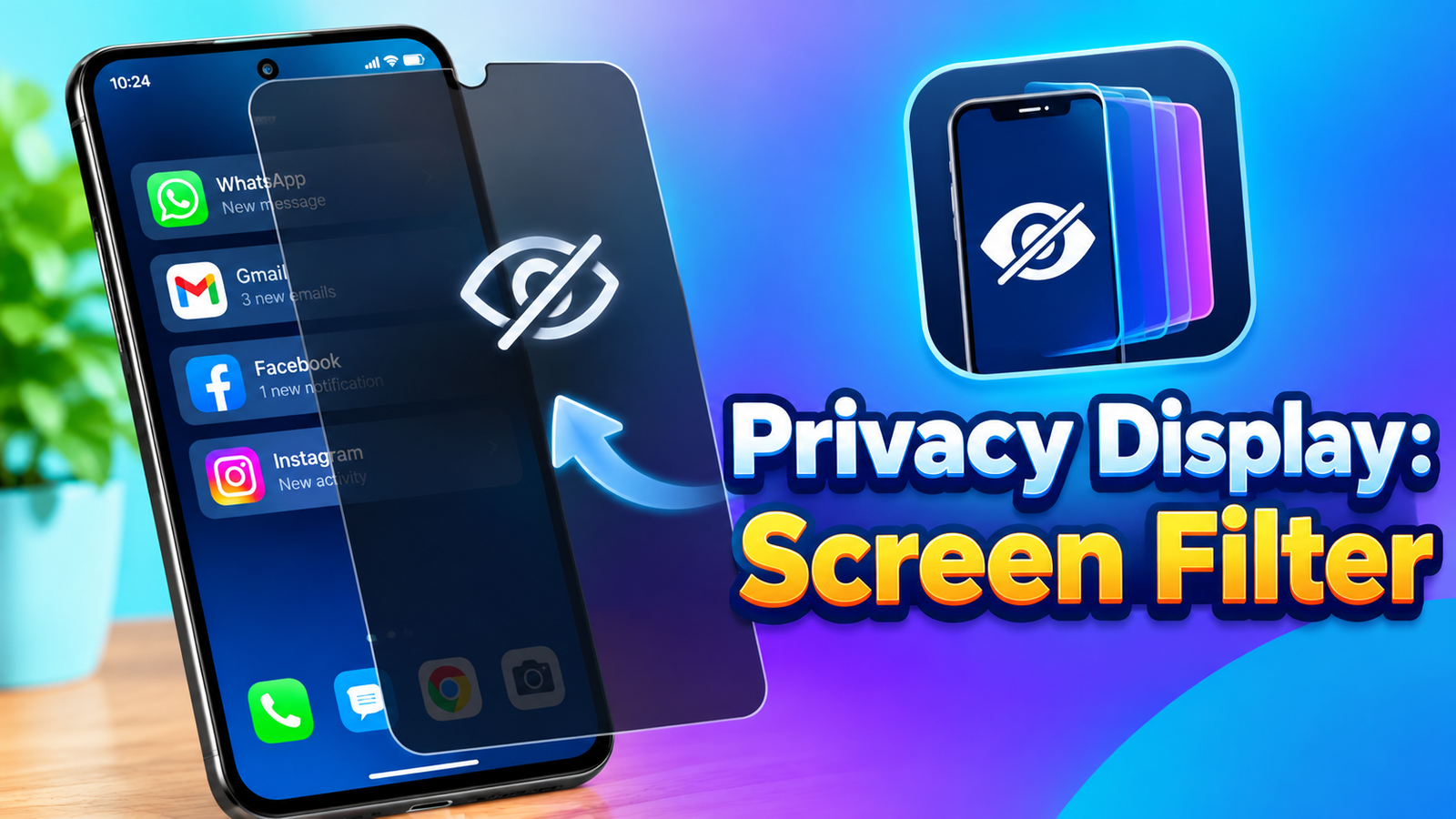
Using a smartphone in a crowded place can sometimes make you conscious of people looking at your screen. Whether you’re checking messages on a bus, working in a café, or using your phone in an office, Privacy Display: Screen Filter offers a simple way to hide the display from people around you.
Instead of changing the phone’s actual screen hardware, the app uses a software-based black overlay that can cover the screen when you activate its privacy features.
Also read: Vehicle AR Drive Review: Explore and Drive 3D Vehicles in Augmented Reality
What Is Privacy Display: Screen Filter?
Privacy Display: Screen Filter is an Android privacy tool designed to reduce the visibility of your screen when you’re using your phone around other people.
The app can place a privacy layer over the display, and users can control it through different activation methods. Its main options include a floating control panel, Tilt Mode and Always On Mode.
The idea is to provide quick access to a screen-hiding overlay without requiring users to leave the app they are currently using.
Floating Control Panel
One of the most convenient features is the Floating Control Panel.
The app provides a small floating button that can remain accessible on the screen. When you need privacy, you can use this control to turn the privacy overlay on or off.
This can be useful when switching between private and normal viewing frequently. For example, you could activate the overlay while checking sensitive information in a public place and disable it when you no longer need it.
Tilt Mode for Quick Privacy
Privacy Display also includes Tilt Mode, which activates the privacy overlay when you tilt the phone.
This provides a quick way to hide the screen without manually opening a menu or pressing a button. The feature is particularly intended for situations where you want to react quickly to someone viewing your display.
Since the feature relies on the phone’s orientation, its behavior may depend on how the device detects movement and tilt.
Always On Mode
For users who want continuous screen privacy, the app includes Always On Mode.
Once enabled, the privacy filter stays active until the user decides to turn it off. This can be useful when you’re spending an extended period in a public environment and don’t want to repeatedly activate the privacy layer.
The mode can also be useful for people who prefer having the privacy overlay enabled by default during certain situations.
What Does the Privacy Filter Actually Do?
An important point mentioned by the developer is that Privacy Display is not a polarizing screen filter.
The app does not physically change your phone’s viewing angles or make the display invisible from the sides. Instead, it uses an orientation-based software approach.
When you tilt the phone away from your face, the app can cover the screen with a black overlay. This hides the content from view rather than changing the characteristics of the phone’s physical display.
Understanding this difference is important when deciding what the app can and cannot do.
Useful for Public Spaces
Privacy Display can be useful in situations where you don’t want your screen content easily visible to nearby people.
Potential situations include:
- Using your phone on buses or trains
- Checking information in a café
- Working on your phone in an office
- Reading private messages in crowded areas
- Entering sensitive information around other people
The app is designed as a simple software-based privacy layer rather than a replacement for a physical privacy screen protector.
Final Thoughts
Privacy Display: Screen Filter takes a straightforward approach to smartphone privacy. Its floating control, Tilt Mode and Always On Mode give users multiple ways to activate a black screen overlay when they want to reduce visibility around them.
The most important thing to remember is that this is a software overlay, not a physical privacy filter. It doesn’t alter the phone’s hardware viewing angles.
For Android users looking for a quick way to cover their screen while using their phone in public spaces, the app offers a simple set of privacy-focused controls.
Official Play Store App Link
FAQs:
1. What is Privacy Display: Screen Filter?
It is an Android app that uses a software overlay to hide your screen when you want additional privacy around other people.
2. Does the app use a physical polarizing filter?
No. The developer specifically states that it is an orientation-based software tool and does not change the phone’s hardware viewing angles.
3. What is Tilt Mode?
Tilt Mode uses the phone’s orientation to activate the black privacy overlay when the device is tilted.
4. What is Always On Mode?
It keeps the privacy overlay active until you manually decide to turn it off.
5. Can I control the privacy filter without leaving another app?
Yes. The Floating Control Panel provides a small on-screen button for quickly turning the privacy layer on or off.
6. Where can Privacy Display be useful?
It can be useful when using your phone in public places such as buses, trains, offices and cafés.
7. Does the app physically make the screen invisible from the sides?
No. It uses a black software overlay rather than changing the physical viewing angle of the display.
1 thought on “Privacy Display: Screen Filter Review – A Simple Way to Hide Your Screen in Public”